
Sharing work samples via NFC tap is the practice of encoding a redirect URL onto a physical NFC chip so that a single tap on any smartphone opens your digital portfolio instantly, with no app required on the recipient's device. The standard industry term for this is NFC-enabled digital profile sharing, and it sits at the intersection of Near Field Communication (NFC) hardware and mobile-optimised web design. Optimised landing pages load under 2 seconds and should stay under 100 KB to hold attention the moment the tap happens. That constraint shapes every decision you make, from the chip you choose to the page you build.
How to share work samples via NFC tap
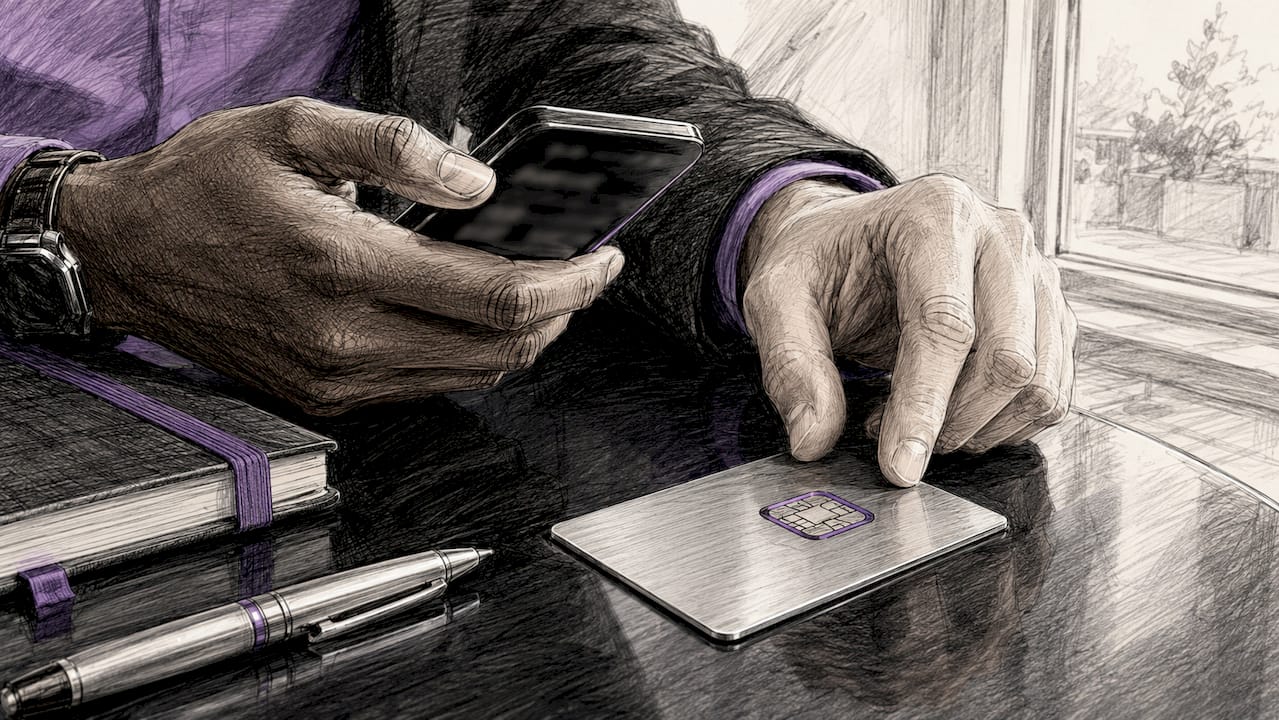
The foundation of NFC tap for work sharing is an NTAG215 chip encoded with a short redirect URL. The chip itself stores almost nothing except that URL. All your portfolio content, contact details, booking links, and media live on the server, which means you can update everything without touching the physical card.
What hardware do you need?
The NTAG215 chip is the most widely recommended standard for this use case. It holds 504 bytes of data, which is more than enough for a redirect URL. Most NFC business cards on the market use this chip or a close equivalent.
You also need an NFC-capable smartphone to encode the tag. Apps such as NFC Tools (Android) or NFC TagWriter handle encoding without specialist hardware. If you are ordering cards from a provider like Lynko, the encoding is done for you before the card ships.
What does your landing page need?
Your landing page carries the full weight of the impression. The landing page should feature a clear primary call to action such as "Add to Contacts" or "Recent Projects" placed immediately above the fold. Portfolio highlights, testimonials, and social links sit below that primary action.
| Element | Requirement |
|---|---|
| Page size | Under 100 KB for fast mobile load |
| Load time | Under 2 seconds on a mobile connection |
| Primary CTA | "Add to Contacts" or equivalent, above the fold |
| Portfolio section | Below primary CTA, with thumbnail previews |
| Backup option | QR code on the physical card for non-NFC phones |
Pro Tip: Host your landing page on a fast CDN such as Cloudflare or Vercel. A CDN cuts load time significantly for recipients in different regions, which matters when you hand your card to someone at a conference abroad.
Step-by-step: encoding and setting up your NFC card
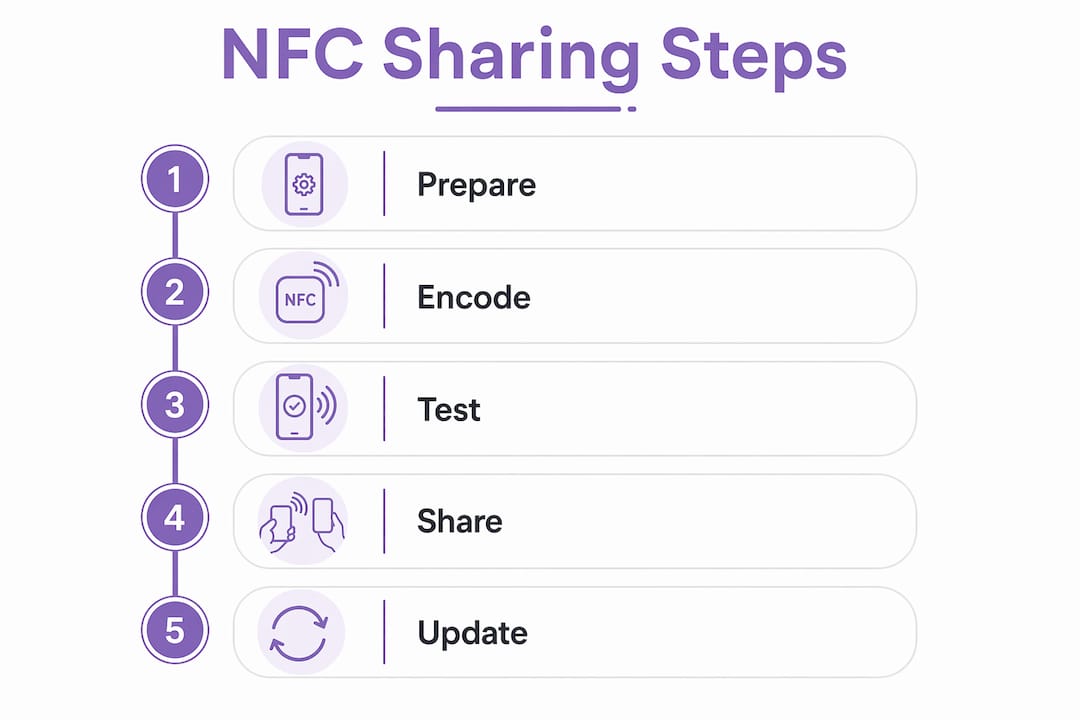
Getting from a blank NFC card to a working portfolio tap takes six clear steps. None of them require deep technical knowledge.
-
Choose a permanent redirect URL. Pick a short, stable URL you control, such as
yourname.com/card. This URL goes on the chip and never changes. All content updates happen behind that redirect. -
Encode the URL onto the chip. Open NFC Tools or a similar app on an Android phone. Select "Write" then "Add a record" and choose URL. Type your redirect URL, hold the phone over the card, and write. The process takes under five seconds.
-
Set up server-side redirection. Encoding a short redirect URL on the NFC tag allows you to update your portfolio content without re-encoding the physical card. Point the redirect at your live landing page and change that destination whenever your work evolves.
-
Design the landing page for cross-platform behaviour. Android phones read a Contact record natively for immediate contact saving, while iPhones open a URL record in Safari where users can save contacts from there. Dual record encoding, one Contact record and one URL record, caters to both behaviours and removes friction for every recipient.
-
Test on both iOS and Android devices. Tap the card against multiple phones before you rely on it in a professional setting. Test the NFC antenna position, which varies by model, and confirm the redirect loads correctly on both operating systems.
-
Add a QR code to the physical card. NFC antenna positions vary by phone model, often sitting near the top edge or the camera module. A printed QR code on the back of the card serves as a reliable fallback for anyone who cannot locate their phone's NFC sweet spot.
Pro Tip: Test your card on at least three different phone models before your next event. The Samsung Galaxy series, iPhone 14 or later, and a mid-range Android from a different manufacturer cover the most common antenna positions you will encounter.
How NFC technology advances in 2026 improve work sample sharing
NFC hardware has been stable for years, but the software layer around it is moving quickly. The most significant development for professionals sharing portfolios is Android 17's system-level "Tap to Share" feature.
- Android 17 "Tap to Share" uses NFC to initiate the connection, then switches to Wi-Fi or Bluetooth for larger files. This means video showreels, high-resolution image portfolios, and multi-page PDF case studies can transfer at full speed without a browser intermediary.
- Glow indicator confirmation tells both parties when the secure transfer is active. Phones must stay close until the glow appears, which takes roughly two seconds.
- iOS and Android still behave differently at the NFC layer. iPhones from iPhone 7 onwards support NFC reading, but the native behaviour opens a URL in Safari rather than triggering a system-level file transfer. For now, URL-based sharing remains the most reliable cross-platform method.
- NFC handshake plus Bluetooth or Wi-Fi is the architecture behind Android 17's approach. The NFC tap authenticates and pairs the devices; the heavier data moves over the faster radio. This pattern will likely influence how portfolio apps handle peer-to-peer sharing over the next two years.
The real shift in 2026 is not the NFC chip itself but the software intelligence around it. When a tap can authenticate a connection and then hand off to Wi-Fi for a 50 MB video file, the physical card becomes a credential rather than just a link. Professionals who build their sharing workflow around dynamic redirect URLs today will slot into that architecture without changing their cards.
Best practices for maximising your NFC-enabled work samples
A well-encoded card with a poorly designed landing page wastes the tap. These practices close that gap.
- Prioritise contact capture above everything else. The highest priority is to capture contact details before user attrition sets in. Place "Add to Contacts" or a contact form at the very top of the page, before any portfolio content.
- Keep the page under 100 KB. Compress images with tools like Squoosh or TinyPNG. Use system fonts instead of custom typefaces. Every kilobyte you cut improves load time on a mobile connection.
- Place social proof near the top. A short testimonial or a Google review rating directly below your contact CTA gives the recipient immediate confidence. They have just met you; a third-party endorsement accelerates trust.
- Update your redirect destination regularly. Your most recent and relevant work should always be what a recipient sees. A landing page showing a project from two years ago signals that you are not active. Set a calendar reminder to review the page monthly.
- Include a QR code on the physical card. A QR code serves as a fail-safe for users who cannot find their phone's NFC activation point. Print it on the reverse of the card so it is always available without cluttering the front design.
- Test your page speed with Google PageSpeed Insights. Aim for a score above 90 on mobile. A slow page after a confident tap is a poor first impression that no amount of great portfolio work can fully recover.
Pro Tip: Use a digital contact sharing workflow that separates your contact data from your portfolio content. This way you can update your portfolio without any risk of breaking the contact-saving function.
Key takeaways
Sharing work samples via NFC tap works best when a short redirect URL, a sub-2-second landing page, and a prominent contact-saving CTA combine into a single, frictionless experience.
| Point | Details |
|---|---|
| Use a redirect URL | Encode a short permanent URL so you can update portfolio content without re-encoding the card. |
| Keep pages under 100 KB | Fast load times prevent drop-off the moment after the tap. |
| Prioritise contact capture | Place "Add to Contacts" above portfolio links to reduce attrition. |
| Add a QR code backup | NFC antenna positions vary; a QR code ensures every recipient can access your work. |
| Encode for both platforms | Dual record encoding serves Android and iOS users without friction. |
Why NFC sharing is the sharpest tool in a creative's kit
The paper business card has not died because people stopped networking. It has died because the information on it expires within months and there is no way to update it once it leaves your hand. NFC tap sharing solves that specific problem in a way that QR codes alone do not, because the physical card still carries weight in a handshake moment.
What I find most professionals get wrong is treating the tap as the end of the interaction. The tap is the beginning. The landing page is where the relationship either deepens or evaporates. I have seen beautifully designed NFC cards point to landing pages that take six seconds to load on a 4G connection. The recipient gives up before they see a single piece of work.
The other misconception is that NFC sharing is a technology for tech-savvy people. Every iPhone from the 7 onwards and virtually every Android phone released after 2015 reads NFC without any setup from the recipient. The barrier is on the sender's side, not the receiver's. Get your redirect URL stable, your page fast, and your CTA prominent, and the technology disappears into the background where it belongs.
The future I am watching closely is the Android 17 "Tap to Share" architecture. When that pattern matures and crosses to iOS, the NFC card will become a peer-to-peer file transfer credential. Creatives who have already built their workflow around NFC business cards and dynamic redirects will adapt in an afternoon. Those still emailing PDF attachments will have a much longer road.
— Olivier
Lynko makes NFC work sample sharing ready to use
Lynko's NFC business cards are built for exactly this workflow. Each card stores a dynamic redirect URL, so you update your portfolio, contact details, or booking links from the Lynko dashboard without touching the physical card. No app is required on the recipient's phone, and the cards work on all NFC-enabled smartphones across iOS and Android.
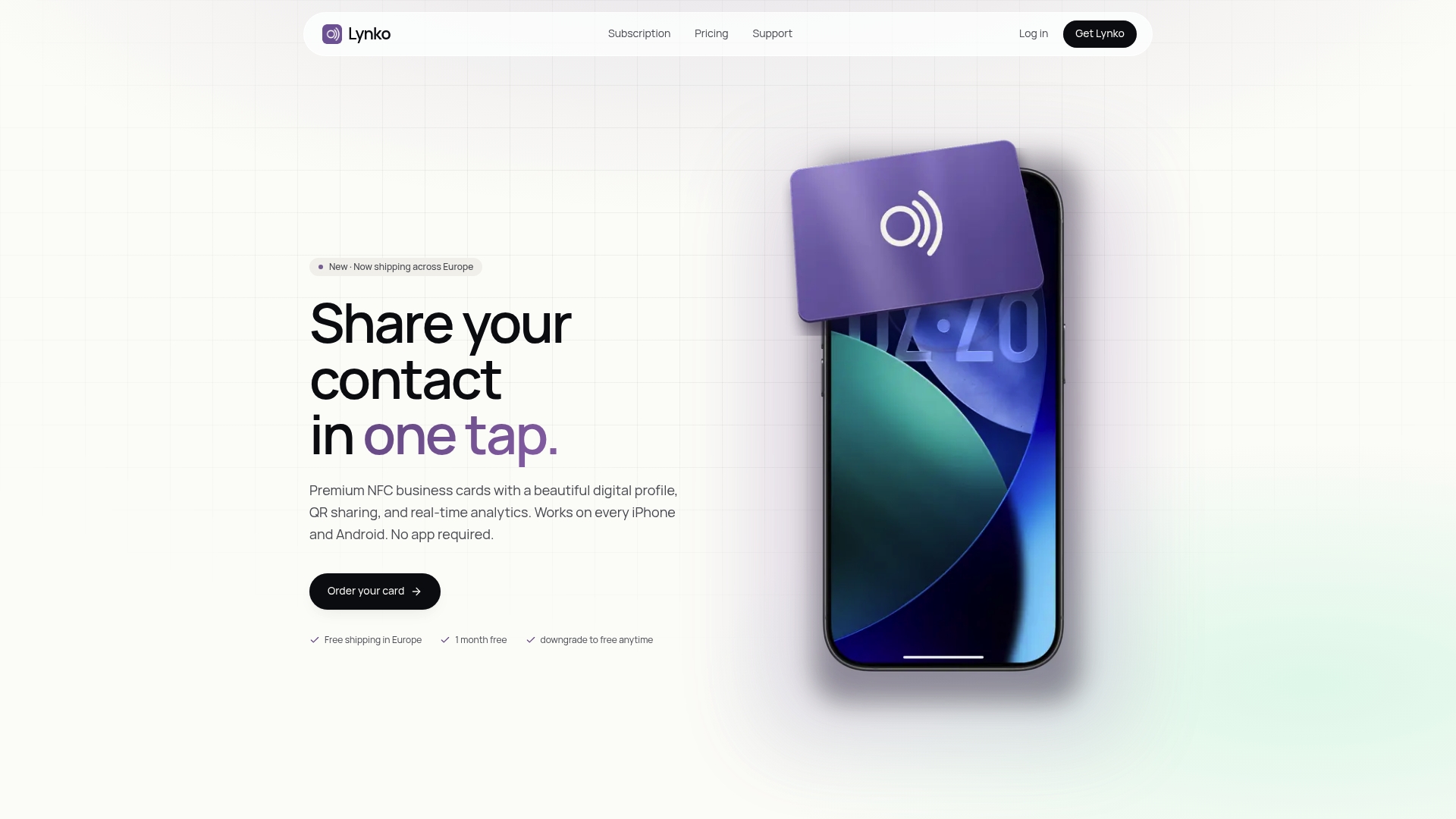
Lynko's profiles support unlimited social links, Google reviews, and direct contact saving, which means every tap delivers the full picture of your work. The setup takes minutes, and the cards are GDPR-compliant by design. For professionals and creatives who want a card that keeps pace with their work, Lynko's NFC business cards are the practical starting point.
FAQ
What is NFC tap sharing for work samples?
NFC tap sharing is the practice of encoding a redirect URL onto an NFC chip so that tapping the card on any smartphone opens a digital portfolio or contact page instantly, with no app needed on the recipient's device.
Which NFC chip is best for sharing a portfolio?
The NTAG215 chip is the most widely recommended option. It holds 504 bytes of data, which is sufficient for a redirect URL, and is compatible with virtually all NFC-enabled smartphones.
Do iPhones support NFC work sample sharing?
iPhones from the iPhone 7 onwards support NFC reading. When tapped, they open the encoded URL in Safari, where the recipient can save contact details or browse portfolio content.
How do I update my portfolio without re-encoding my NFC card?
Encode a short redirect URL onto the chip rather than the full portfolio URL. Update your portfolio content on the server side, and the card automatically points to the new version without any physical changes.
Why should I add a QR code to my NFC card?
NFC antenna positions vary across phone models, which means some recipients struggle to trigger the tap. A printed QR code on the card gives every recipient a reliable alternative way to access your work.