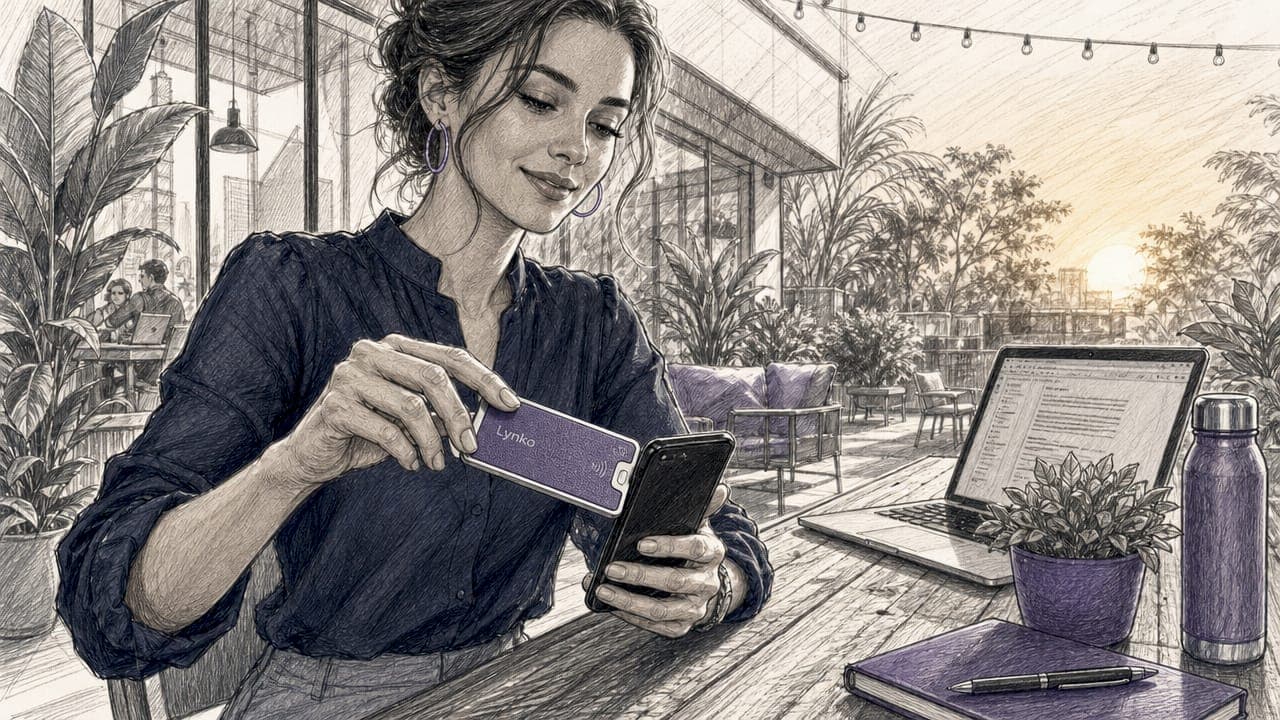
A client-saving digital card is a digital business card linked to a live professional record, enabling real-time contact updates and active client management without reprinting or redistribution. Unlike a static paper card or a basic image file, this format stays connected to a source of truth: your current details, branding, and links. For professionals and entrepreneurs who network frequently, that distinction is the difference between a contact who reaches you and one who hits a dead end. Lynko's NFC business cards represent this category precisely, combining tap-to-share technology with dynamic profiles that update the moment you change them.
What is a client-saving digital card and how does it differ from standard digital cards?
A client-saving digital card is the industry's term for what practitioners increasingly call a dynamic digital business card. The "client-saving" descriptor refers to two things at once: the card saves your client's contact details automatically, and it saves the client relationship by staying accurate over time. A standard digital card is often a PDF or image sent by email. A client-saving card, by contrast, remains connected to a live record, meaning any update you make to your profile appears instantly for everyone who holds your card.
The practical implication is significant. A consultant who changes firm, phone number, or job title updates their card once. Every contact who tapped or scanned that card sees the new information immediately. No reprint, no follow-up email, no awkward correction at the next meeting.
This category sits above both paper cards and basic digital formats. The key value lies in what practitioners call the source of truth shift: the card is no longer a static snapshot of your details at one moment in time. It is a live window into your current professional identity.
How do client-saving digital cards work technically?
Three technologies make client-saving digital cards function: NFC (Near Field Communication), QR codes, and tokenisation. Each serves a distinct purpose, and most professional-grade cards use all three.
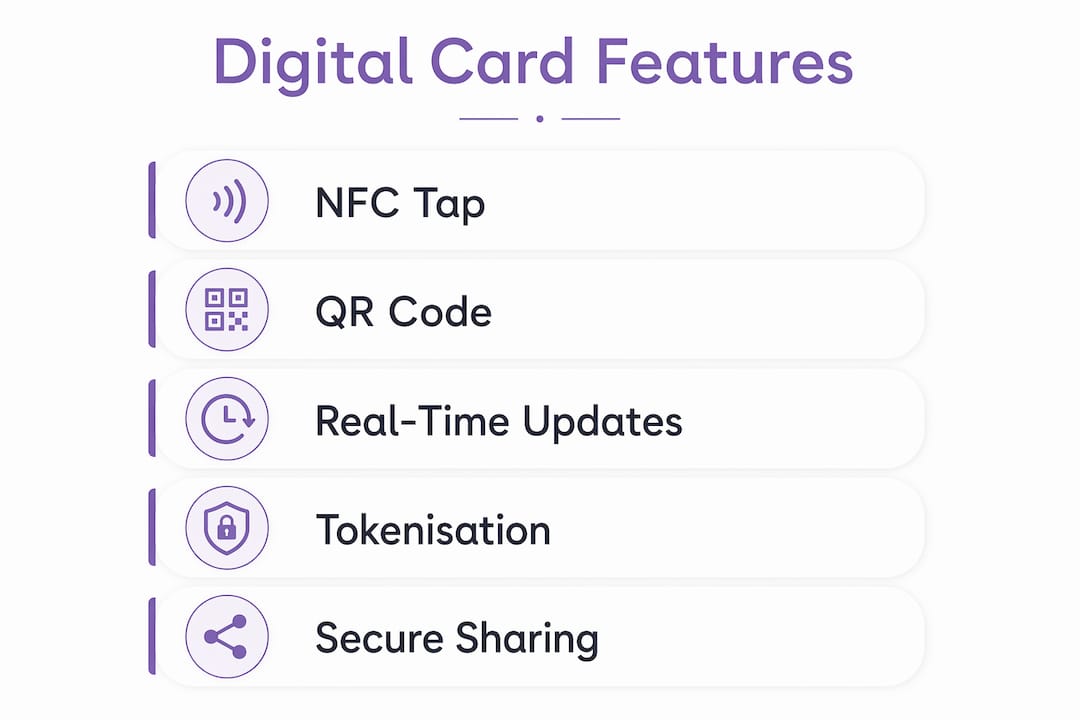
NFC allows a card to transfer data by touching or hovering near a smartphone. No app is required on the recipient's device. QR codes offer a visual fallback for environments where NFC is unavailable. Shareable links extend reach further, letting professionals send their card by email, WhatsApp, or LinkedIn. Sharing via NFC, QR code, or link covers virtually every networking scenario a professional encounters.
Tokenisation sits beneath the surface and handles security. Rather than exposing raw personal data, the card generates a token: a unique identifier that points to your live profile without transmitting the profile itself. Tokenised digital cards reduce fraud at rates exceeding 20%, compared to 5–6% for systems with low digital engagement. That gap matters for professionals who share contact details with large numbers of people across events and online channels.
Mobile wallet integration adds a further layer of convenience. Cards saved to Apple Wallet or Google Wallet sit on the device a person carries every day, accessible without an internet connection and visible alongside boarding passes and loyalty cards. Lynko's cards support this integration natively, meaning a recipient can save your card to their wallet in seconds after a tap.
- NFC: tap your card to any smartphone to share your profile instantly
- QR code: scan to open your profile on any camera-equipped device
- Shareable link: send your card by message, email, or social media
- Mobile wallet: save to Apple Wallet or Google Wallet for offline access
- Tokenisation: protects your data by replacing raw details with a secure identifier
Pro Tip: Set up your Lynko card with both NFC and a QR code backup before attending any event. NFC works at speed during introductions, but QR codes are invaluable when someone's phone case blocks the NFC reader.
What are the main digital card benefits for professionals?
The advantages of client-saving cards fall into four categories: cost, branding, security, and relationship management. Each one addresses a genuine friction point in professional networking.
Cost and time savings
One digital card lasts indefinitely. Unlimited updates cost nothing extra and save hundreds to thousands of pounds over a career compared to repeated print runs. A professional who changes roles every two to three years would typically reprint cards at least twice. A digital card absorbs every change with no additional spend.
Branding and rich content
A client-saving card carries far more than a name and number. Lynko's cards support unlimited social links, Google review prompts, video embeds, and custom themes aligned to your brand. A paper card communicates one static impression. A digital card communicates your current work, your personality, and your professional ecosystem in a single tap.
Security and spending control
Virtual card numbers and tokenisation give professionals control over what data is exposed and to whom. This is particularly relevant for entrepreneurs who share contact details at public events where the risk of data misuse is higher. Lynko's platform is GDPR-compliant, which means your data and your contacts' data are handled within UK and EU regulatory standards.
Analytics and client relationship management
- Track who engages with your card. Analytics show which contacts opened your profile, clicked your links, or saved your details.
- Prioritise follow-ups. Sales teams use engagement data to focus on the most active connections rather than working through a pile of paper cards blindly.
- Measure event ROI. Compare card views and saves before and after a conference to assess which networking activities generate real contact growth.
- Refine your profile. If a particular link receives no clicks, replace it with content that performs better.
- Integrate with your CRM. Contacts saved through your digital card can feed directly into client management tools, removing manual data entry.
How do client-saving digital cards compare to traditional and standard digital cards?
The comparison between card formats is not simply about technology preference. It is about administrative overhead, accuracy, and the cost of errors.
| Feature | Paper card | Standard digital card | Client-saving digital card |
|---|---|---|---|
| Information updates | Reprint required | Manual resend required | Instant, automatic for all holders |
| Administrative overhead | High (reprints, distribution) | Medium (file management) | Low (single profile update) |
| Lost or outdated card handling | Replace physically | Resend file | No action needed; card stays current |
| Security | None | Basic | Tokenisation and GDPR compliance |
| Analytics | None | None | Full engagement tracking |
| Mobile wallet integration | No | Rarely | Yes (Apple Wallet, Google Wallet) |
| Networking speed | Slow (manual exchange) | Moderate | Instant via NFC or QR |
Digital cards reduce administrative overhead by removing the need to reissue expired or lost cards and handling outdated information remotely. For a team of ten professionals each carrying paper cards, that overhead compounds quickly across every role change, office move, or rebrand.
The suitability of each format depends on networking frequency. A professional who attends two or three events per year may tolerate paper cards. One who networks weekly, maintains a large contact base, or operates across multiple channels will find the administrative cost of paper cards prohibitive within months.
Pro Tip: When switching from paper to digital cards, keep your old cards for one final event. Use that event to introduce your new digital card to existing contacts and let them save the live version. After that event, retire the paper cards entirely.
How to implement client-saving digital cards in your networking strategy
Adoption works best when it follows a clear sequence rather than a rushed switch.
- Choose a platform with live profile capability. Not all digital card tools link to a live record. Confirm that any update you make to your profile propagates immediately to all existing card holders. Lynko's digital business card does this by design.
- Customise your card before your first share. Add your photo, job title, social links, and a Google review prompt. A complete profile on first impression performs significantly better than a placeholder.
- Practise the tap before events. NFC sharing takes under two seconds when both parties know what to expect. A brief "tap your phone here" instruction removes any hesitation.
- Update your card after every role or contact change. The entire value of a client-saving card depends on accuracy. Treat your digital card profile the way you treat your LinkedIn profile: update it the day anything changes.
- Review analytics monthly. Check which links receive clicks and which contacts saved your details. Use that data to refine your profile and follow up with high-engagement contacts.
- Connect your card to your CRM. Contacts who save your card can feed into tools like HubSpot or Salesforce, removing the manual step of entering business card details after an event.
The contactless business card benefits extend beyond the card itself when integrated with the rest of your professional toolkit. A card that feeds your CRM, tracks engagement, and updates automatically becomes a live asset rather than a one-time exchange.
Key takeaways
A client-saving digital card delivers its full value only when it is linked to a live profile, shared consistently, and reviewed with analytics to guide follow-up.
| Point | Details |
|---|---|
| Live profile connection | The card stays accurate for all holders the moment you update your profile. |
| Tokenisation protects data | Fraud reduction exceeds 20% with tokenised digital cards versus 5–6% for low-engagement systems. |
| Cost savings are long-term | One digital card replaces repeated print runs, saving hundreds to thousands of pounds over time. |
| Analytics drive better networking | Engagement tracking lets you prioritise the contacts most likely to convert to clients. |
| Mobile wallet integration | Saving to Apple Wallet or Google Wallet keeps your card accessible on the device people carry daily. |
Why I think most professionals underestimate the live-profile advantage
The conversation around digital business cards tends to focus on the novelty of NFC tapping or the environmental case against paper. Both are valid points. Neither is the most important one.
The real shift is administrative. I have watched professionals spend genuine time after every conference manually updating contacts, chasing people with corrected email addresses, and reprinting cards after a job change. Every one of those tasks disappears with a live-profile card. The card you shared six months ago still works today because it points to your current details, not the details you had when you printed it.
The analytics piece is underused even by people who have adopted digital cards. Knowing that a contact opened your profile three times in a week is a far stronger signal than a business card sitting in a drawer. That signal tells you exactly who to call first.
My advice for anyone hesitant about the switch: start with one event. Share your Lynko card with every person you meet. Check the analytics the following morning. The data alone will tell you whether the format is worth keeping, and in my experience, it always is.
— Olivier
Lynko's digital business cards for UK professionals
Lynko offers NFC business cards built specifically for professionals who need their contact details to stay current without manual redistribution. Each card links to a live digital profile that you update once and that updates everywhere.
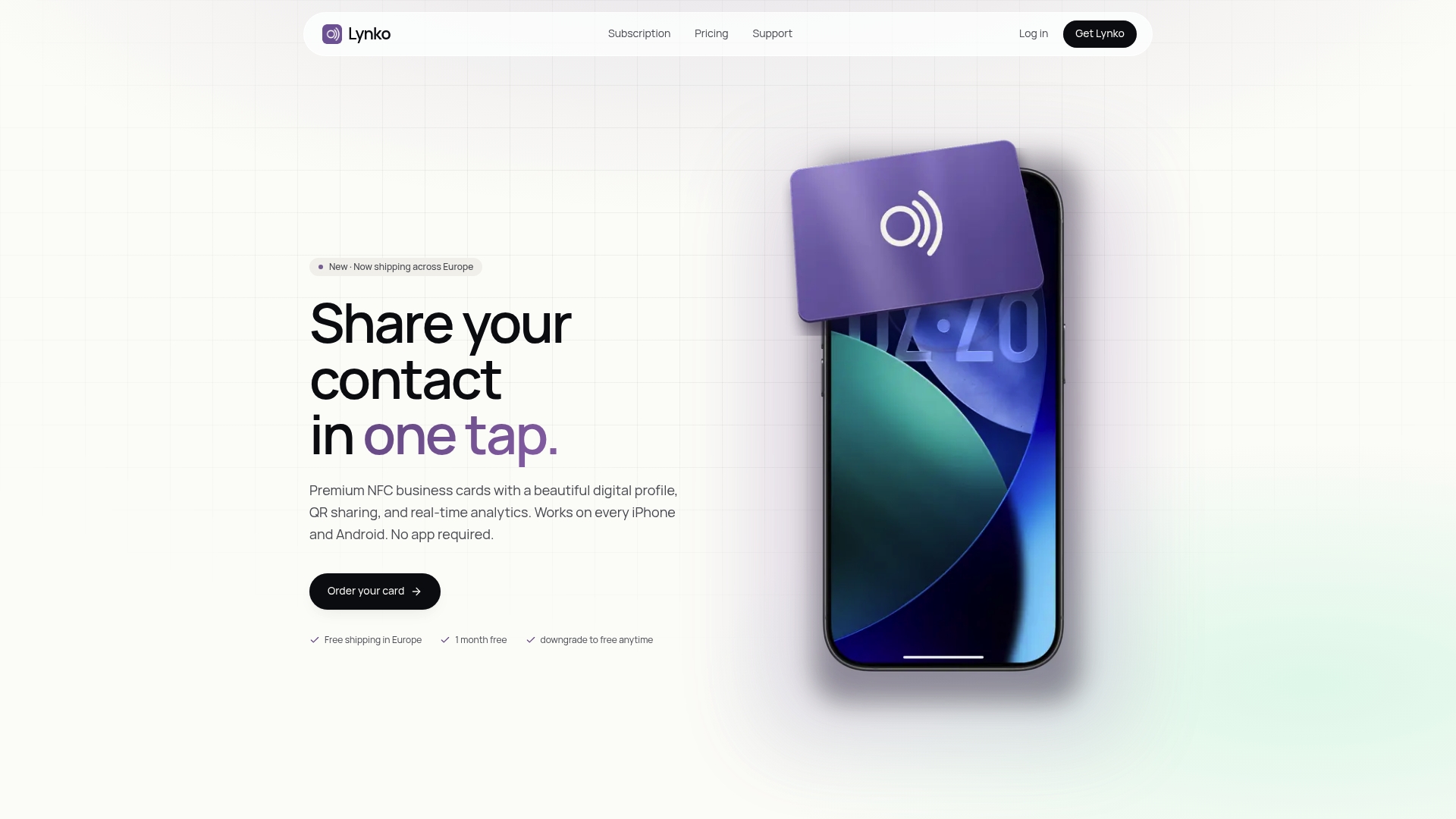
Lynko's NFC business cards support unlimited social links, Google review prompts, custom branding themes, and GDPR-compliant contact saving. Sharing takes a single tap to any smartphone, with no app required on the recipient's device. A subscription from £3.99 per month gives you full profile control, real-time analytics, and access to Lynko's full module library. For professionals who network regularly, the card pays for itself after a single avoided reprint.
FAQ
What is a client-saving digital card?
A client-saving digital card is a digital business card linked to a live professional profile, enabling real-time updates that reach all existing card holders instantly without redistribution.
How do digital cards save clients and contacts?
Digital cards save clients by keeping contact details accurate automatically. When you update your profile, every contact who holds your card sees the new information without any action required on their part.
Are client-saving digital cards secure?
Yes. Tokenisation replaces raw personal data with a secure identifier, and platforms like Lynko operate under GDPR compliance. Tokenised digital cards reduce fraud by more than 20% compared to low-engagement systems.
What is a virtual savings card and how does it relate?
A virtual savings card is a broader term covering any card stored digitally rather than physically, including loyalty and payment cards. A client-saving digital business card is a specific type: one linked to a live professional record for networking purposes.
Do recipients need an app to receive a digital business card?
No. Lynko's NFC cards transfer your profile to any smartphone with a tap, and QR codes work on any camera-equipped device. No app is required on the recipient's side.