The most effective approach to contact sharing combines standardised formats, clear access controls, and regular maintenance to keep data accurate and compliant. Whether you manage a small team or run a growing business, getting this right prevents communication breakdowns, protects sensitive information, and keeps you on the right side of UK GDPR. Here is what that looks like in practice:
- Use vCard format for portable, universally compatible contact files
- Segment contacts into clearly labelled groups by function or relationship type
- Apply role-based access so people see only what their job requires
- Obtain explicit consent before sharing any third-party contact details
- Schedule regular audits to remove duplicates and revoke stale permissions
- Never share contacts via a single shared login or personal account
These principles are not independent tips. They form a system, and each one reinforces the others.
How to organise contact information for teams and individuals
Good organisation is the foundation of effective contact sharing. Without it, even the best tools produce a cluttered, unreliable database that slows everyone down.
The most practical approach is grouping contacts by function: clients, suppliers, internal staff, partners. Segmenting by label such as lead stage or location reduces communication errors and helps marketing and sales teams target the right people without cross-contamination between lists. A sales team that cannot tell a prospect from an existing customer will inevitably make that embarrassing call.
Beyond grouping, the quality of individual contact records matters just as much. Add fields for job title, department, preferred contact method, and any relevant notes. A contact record that says "Sarah Chen, Procurement, prefers email, do not call before 10AM" is genuinely useful. One that says "Sarah Chen, 07700 900123" is not.

Keeping groups moderate in number strikes the right balance between structure and usability. Too few groups and contacts become hard to find; too many and the system collapses under its own weight.
Pro Tip: Resist the urge to create a new group for every project. Reuse existing categories where possible and use notes fields for project-specific context. Over-fragmentation is one of the most common reasons contact databases become unusable within six months.
Integration with your CRM or communication platform is worth planning from the start. When contact data flows automatically between your phone system, email client, and CRM, you eliminate the manual imports that create data silos across tools. Businesses using multiple cloud applications face this problem constantly, and centralised synchronisation is the fix.
- Group contacts by function: clients, suppliers, internal staff, partners
- Add detailed fields including job title, department, and notes
- Keep the number of groups manageable to avoid fragmentation
- Plan CRM and communication tool integration from the outset
- Use notes fields rather than new groups for project-specific context
What are the most secure and efficient ways to share contact information?
The format and channel you choose for sharing contacts determines both compatibility and security. Get either wrong and you create problems that are hard to undo.
vCard (.vcf) files and the CardDAV protocol are the two standards worth knowing. vCard is the universal format for individual contact files, supported natively by Outlook, Apple Mail, Gmail, iOS, and Android. CardDAV goes further: it is a synchronisation protocol that pushes updates to all connected devices in real time, so a change made on one phone appears everywhere instantly. For teams managing contacts across dozens of devices, CardDAV is the practical choice.
Sharing contacts via a shared login is a serious vulnerability. When multiple people use one set of credentials, there is no audit trail, no individual accountability, and no way to revoke access for one person without locking out everyone else. Shared credentials violate professional best practices and create compliance exposure under UK GDPR.

Consumer tools present a similar problem. Standard iCloud sync works well for personal use but was not built for team permissions. Sharing an Apple ID across a team is a security risk that also violates best practices, and even Managed Apple IDs struggle to enforce read-only contact lists. Business teams need tools that support granular permissions from the ground up.
For external sharing, always consider what the recipient actually needs. A supplier contact shared with a client may contain internal notes or mobile numbers that were never meant to leave the organisation. Strip records to the relevant fields before sharing externally, and confirm consent where required.
- Use vCard format for individual contact exports across all major platforms
- Use CardDAV for real-time synchronisation across iOS, Android, and desktop
- Never share contacts via a single shared login or personal account
- Use business-grade tools with permission controls, not consumer sync services
- Strip internal notes and sensitive fields before sharing contacts externally
- Obtain consent before sharing any contact details belonging to a third party
How do you keep contact data accurate and secure over time?
Contact data degrades faster than most teams expect. People change jobs, phone numbers change, and email addresses go dead. A database that was accurate six months ago may now be full of bounced addresses and wrong numbers.
Regular maintenance means removing duplicates, correcting outdated details, and reviewing who still needs access. Assign clear ownership: one person or team responsible for the database means problems get fixed rather than ignored. Without accountability, maintenance simply does not happen.
Permission reviews deserve the same discipline as data reviews. When someone leaves the company or moves to a different role, their access should be revoked promptly. Leaving former employees with access to shared contact lists is a GDPR compliance failure, not just a security inconvenience. Removing access when roles change is a legal obligation, not an optional housekeeping task.
Training your team on phishing awareness and password hygiene is part of contact data security too. A well-maintained database is only as secure as the accounts that can access it. Employees who recognise suspicious emails and use strong, unique passwords close the most common attack vectors.
- Schedule quarterly reviews to remove duplicates and update outdated records
- Assign one person or team as accountable for database maintenance
- Revoke access promptly when employees leave or change roles
- Train staff on phishing recognition and strong password practices
- Conduct periodic permission audits to confirm access aligns with current roles
Role-based access control and GDPR compliance for UK professionals
Role-Based Access Control (RBAC) is the standard framework for managing who can see, edit, or export contact data in a professional environment. Rather than granting blanket access, RBAC assigns permissions based on job function. An Administrator sees the full database; a Manager sees their team's contacts; an Employee sees only what their role requires.
RBAC limits internal data breaches and creates the audit trails that regulators expect. Under UK GDPR, you need to demonstrate not just that data is secure, but that access was controlled and logged. A system where anyone can export the full contact database provides neither.
Consent management sits alongside access control as a GDPR requirement. Before sharing any contact's details, you need a lawful basis: usually consent or legitimate interest, documented and reviewable. This applies whether you are sharing internally across departments or externally with a partner organisation. Compliance with GDPR is not a one-time configuration; it requires ongoing policy reviews as your team and data practices evolve.
Security audits complete the picture. Reviewing access logs, checking third-party integrations, and testing permission boundaries on a regular schedule catches vulnerabilities before they become incidents. Automated audit tools make this practical at scale, providing real-time visibility into who accessed what and when. For teams managing security protocols across multiple systems, a structured audit framework is the difference between reactive and proactive compliance.
Pro Tip: Run a permission audit every time you onboard or offboard a team member, not just annually. Role changes are the most common source of over-permissioned accounts, and catching them early costs far less than a data breach investigation.
Effective contact sharing is not a one-time setup. It is a continuous process requiring proper training, regular updates, and disciplined access management to maintain both security and data quality.
Key takeaways
Secure, compliant contact sharing requires standardised formats, role-based access controls, and regular maintenance to remain effective and legally sound.
| Point | Details |
|---|---|
| Use standardised formats | vCard and CardDAV ensure compatibility and real-time sync across iOS, Android, and desktop platforms. |
| Apply role-based access | RBAC limits each person's access to contacts relevant to their job function, reducing breach risk. |
| Maintain data regularly | Schedule quarterly reviews to remove duplicates, update records, and revoke stale permissions. |
| Comply with UK GDPR | Obtain consent before sharing third-party contacts and document your lawful basis for processing. |
| Never use shared credentials | Shared logins remove individual accountability and create serious compliance exposure. |
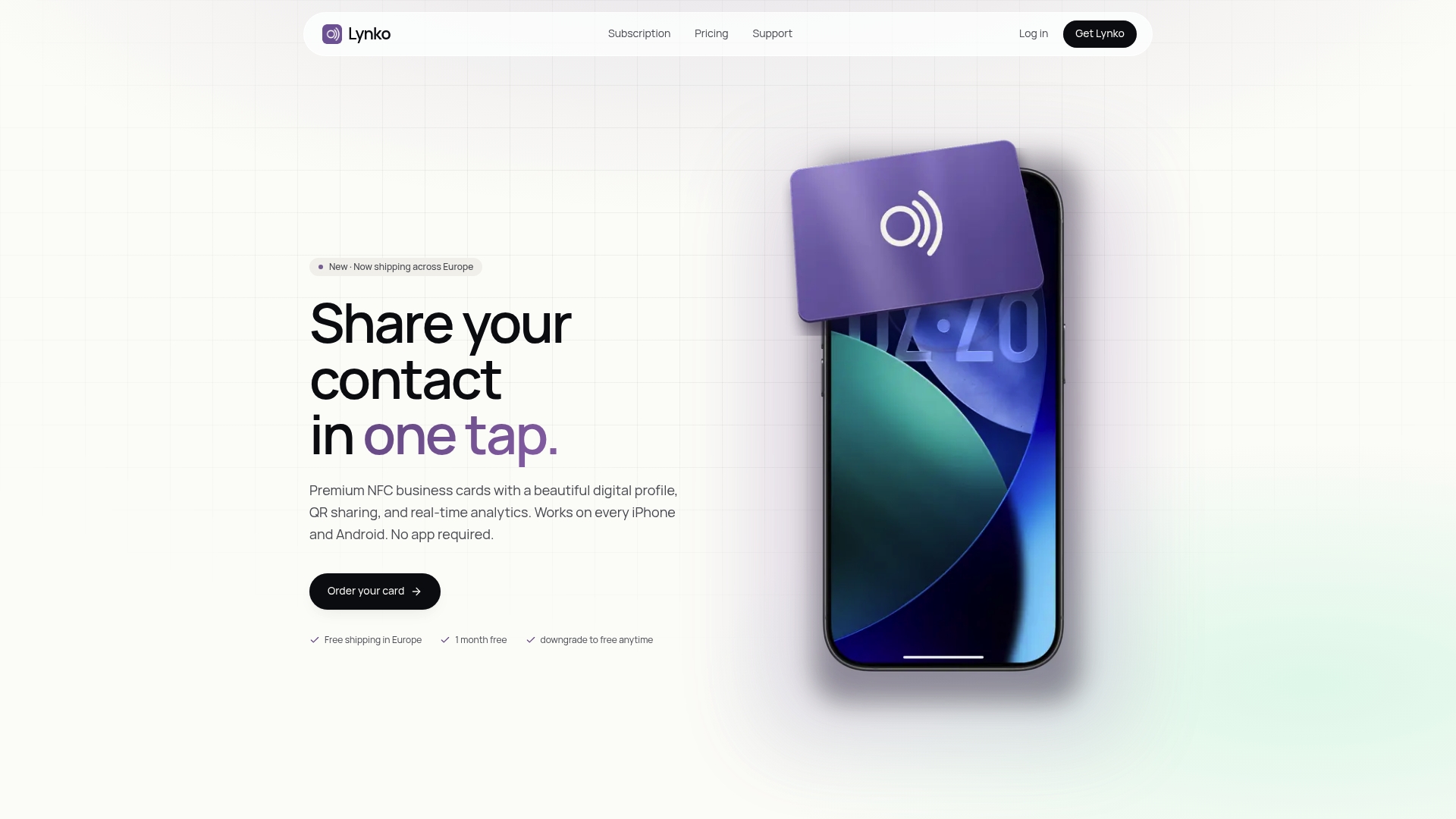
Lynko's NFC business cards give UK professionals a GDPR-compliant way to share contact information with a single tap, no app required. Your digital profile updates in real time, so every contact you share is always current. Built with customisable branding, granular control over what you share, and a setup that takes minutes, it is the modern alternative to paper cards that go out of date the moment they are printed.