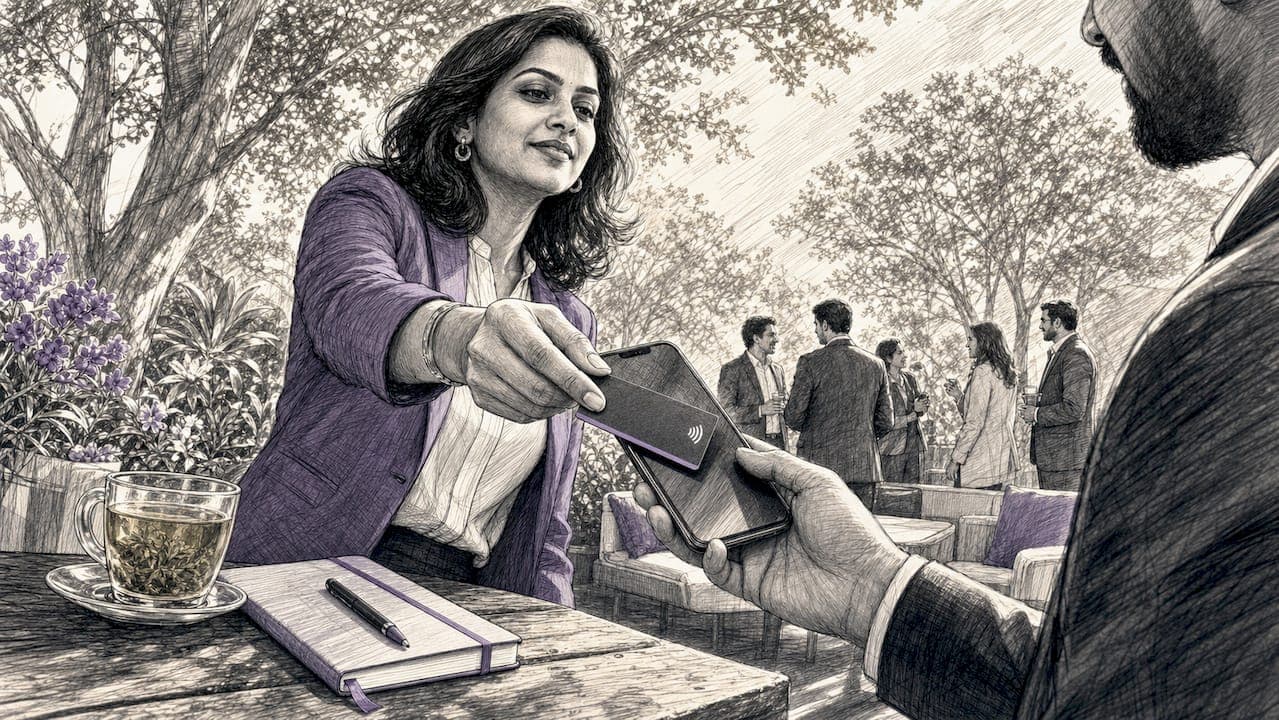
Near Field Communication (NFC) is a short-range wireless standard that lets two devices exchange data instantly when held within 4 centimetres of each other. NFC technology for networking has become the most direct method professionals use to share contact details, digital profiles, and social links without typing a single character. Unlike QR codes, which require a camera app and good lighting, NFC works through a physical tap. The NTAG213 chip, one of the most widely used NFC chips in business cards, holds up to 144 bytes of usable memory. That is enough to carry a contact record and a URL in a single tap, with no app required on either device.
How does NFC card sharing work?
NFC card sharing works through two components embedded in every NFC business card: a chip and a copper or aluminium antenna coil. When you tap the card against a smartphone, the phone's NFC reader generates a radio frequency field. That field powers the chip directly, with no battery needed in the card itself.
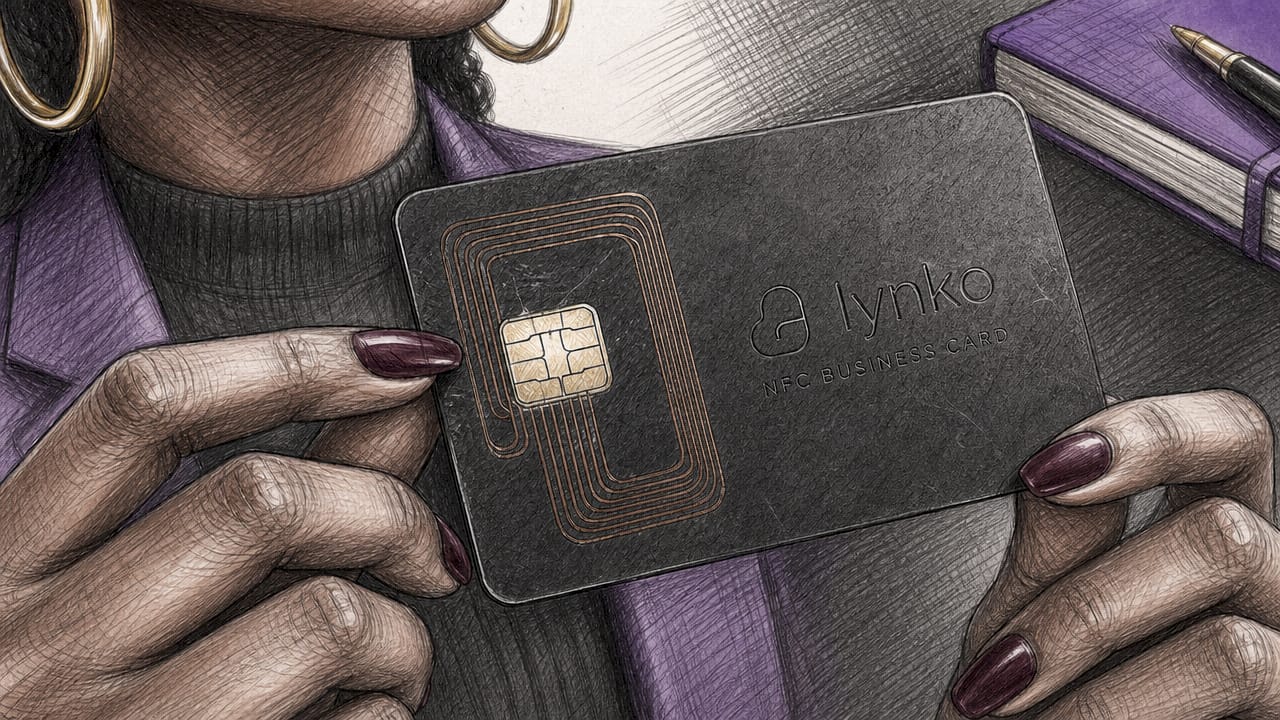
The chip stores data in a format called NDEF (NFC Data Exchange Format). NDEF organises information into individual records. A contact record stores your name, phone number, email, and job title in a format smartphones recognise natively. A URL record stores a web address, typically a digital profile page.
The NFC card networking workflow follows these steps:
- You tap your NFC card against the recipient's phone.
- The phone's NFC reader activates the chip via radio frequency.
- The chip transmits its NDEF records to the phone.
- Android reads the contact record and prompts the recipient to save it directly to their address book.
- iOS opens the URL record in Safari, directing the recipient to your digital profile page.
- The recipient saves your details from either prompt, with no app installed on their device.
Android and iOS handle NFC differently, and that distinction matters. Android reads contact records natively and prompts an immediate save. iOS, due to operating system restrictions, does not process raw contact records from NFC taps in the same way. It opens a URL instead. This is why writing both record types onto a single card is the correct approach for cross-platform use.
Pro Tip: Test your card on both an Android and an iPhone before any event. The two-second tap experience differs between platforms, and knowing what your recipient sees builds confidence in the exchange.
Technical considerations for programming NFC cards
Choosing the right chip and programming it correctly determines whether your card works reliably across all devices.
Chip types and memory
The three most common chips for NFC business cards are the NTAG213, NTAG215, and NTAG216. Their memory sizes differ significantly:
| Chip | Total memory | Usable NDEF memory |
|---|---|---|
| NTAG213 | 144 bytes | 137 bytes |
| NTAG215 | 504 bytes | 496 bytes |
| NTAG216 | 888 bytes | 872 bytes |
The NTAG213 holds 137 bytes of usable NDEF data. That fits a lean contact record plus a short URL, but leaves no room for extended fields. If you want to store a longer URL or additional data, the NTAG215 or NTAG216 gives you the headroom.
Writing dual records for cross-platform compatibility
Writing both a contact record and a URL record onto the same chip solves the Android versus iOS problem. This dual-record approach means Android users get a native save prompt while iPhone users land on your profile page. Apps such as NFC Tools (available on Android and iOS) let you write multiple NDEF records to a chip without any coding knowledge.
Keep your contact record concise. Drop middle names, secondary phone numbers, and long job titles. Every character counts when you are working within 137 bytes.
Antenna placement and security
- Antenna placement: iPhones read near the top edge of the device. Most Android phones read near the centre-back. Position your card accordingly when tapping, and brief recipients at events.
- Write protection: Most NFC chips support write-locking, which prevents anyone from overwriting your data after programming. Enable this once your card is finalised.
- Password locking: NTAG215 and NTAG216 chips support password protection for write access. This stops unauthorised reprogramming without affecting read performance.
- Power harvesting: The chip draws power from the reader's radio frequency field. No battery is ever needed, which means the card never runs flat.
Pro Tip: When programming a card for a conference, use a URL shortener for your profile link. Shorter URLs consume fewer bytes, leaving more room for contact data on NTAG213 chips.
What are the NFC networking benefits over traditional cards?
NFC networking delivers advantages that paper cards and QR codes cannot match.
Speed and accuracy
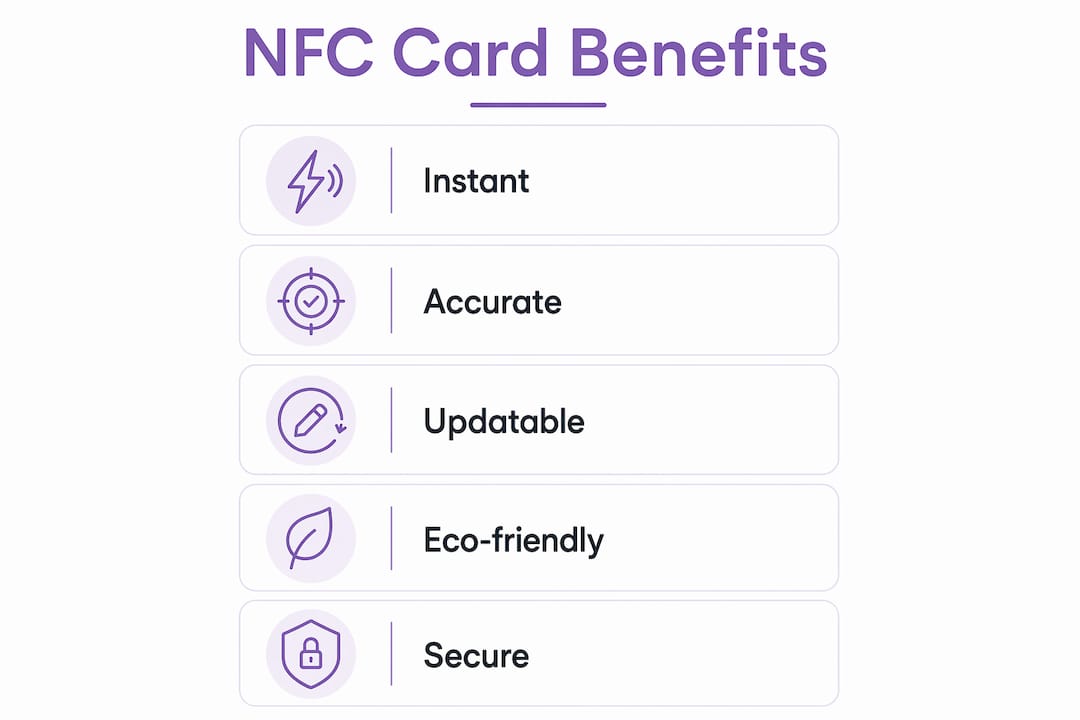
A tap takes under two seconds. Manual data entry from a paper card takes minutes and introduces errors. NFC transfers your name, number, and email exactly as programmed, with no transcription mistakes. Lost or misread cards are no longer a risk.
Updating contact details without reprinting
Your digital profile updates in real time. Change your phone number or job title on your profile page, and every future tap reflects the change. Paper cards become outdated the moment your details change. Reprinting costs money and time. With NFC, the card itself never needs replacing.
Environmental impact
Contactless data exchange via NFC reduces paper waste by replacing physical cards with rewritable digital ones. A single NFC card can serve for years, replacing hundreds of paper cards over a professional's career.
Trust and consent
NFC requires a deliberate physical tap. That intentional action builds trust in a way that passive RFID scanning cannot. NFC excels in user-driven interactions, providing higher user trust because the recipient chooses to engage. Nobody receives your data without choosing to tap. This consent-first model aligns with GDPR principles and professional expectations.
Two-way exchange
NFC technology enables two-way exchanges at events, turning a one-sided handoff into a mutual digital connection. Platforms that support reciprocal sharing let both parties walk away with each other's details from a single interaction. The benefits of contactless business cards extend well beyond convenience, touching data quality, sustainability, and professional credibility.
How to use NFC effectively at networking events
Deploying NFC cards well at conferences and trade shows requires more than carrying the card in your pocket.
- Pair NFC with a backup QR code. Not every venue has reliable NFC reading conditions, and some older devices lack NFC support. Print a QR code on the reverse of your card or on a lanyard badge. This covers every scenario without compromising the primary NFC experience.
- Use NFC-enabled badges at events. Conference organisers can embed NFC chips in attendee badges, allowing tap-based check-ins, session access, and contact exchange in a single interaction. This approach is already common at technology conferences across Europe.
- Brief your recipients. Many professionals have never tapped an NFC card. A single sentence, "Just tap the top of your phone against this," removes hesitation and ensures a clean exchange. Knowing that iPhones read near the top edge while Android reads centre-back helps you guide the interaction confidently.
- Respect data privacy. NFC cards share only what you programme onto them. Do not include personal data beyond what you would print on a paper card. If your profile page collects recipient data through a form, include a clear consent statement.
- Extend engagement digitally. Your NFC card's URL can point to a profile page that includes social links, a portfolio, Google reviews, or a contact form. The tap starts the relationship. The profile page deepens it. Lynko's platform supports unlimited social links and real-time profile updates, so your digital presence stays current without touching the card.
- Use NFC to share work samples directly. A URL record can point to a portfolio page, a case study, or a product catalogue. This turns a networking tap into a sales conversation without any additional effort.
Key takeaways
NFC technology for networking is the most efficient method for professionals to exchange contact details, combining instant transfer, cross-platform compatibility, and consent-driven interaction in a single tap.
| Point | Details |
|---|---|
| Dual-record programming | Write both a contact record and a URL record to cover Android and iOS users in one tap. |
| Chip memory matters | NTAG213 offers 137 bytes of usable memory, sufficient for a lean contact plus short URL. |
| Antenna placement | Tap near the top for iPhones and centre-back for Android to maximise read reliability. |
| NFC builds trust | The deliberate tap interaction creates consent-based data exchange, unlike passive RFID. |
| Update without reprinting | Digital profiles update in real time, so your card never becomes outdated. |
NFC and professional networking: what I've actually observed
The conversation around NFC in professional circles tends to focus on the technology itself. What gets less attention is the behavioural shift it creates.
Paper cards are passive. You hand one over, and it sits in a pocket or a drawer. An NFC tap is active. Both people lean in. There is a moment of shared attention that paper never produces. In my experience, that moment makes the introduction more memorable, not just more efficient.
The misconception I encounter most often is that NFC is complicated. Professionals assume they need technical knowledge to use it. They do not. NFC business cards operate without apps or internet during the tap itself. The recipient's phone does the work. The only technical decision the card owner makes is choosing the right chip and profile platform.
The area I would caution professionals on is over-engineering the card. I have seen cards programmed with so much data that they fail to read reliably on older devices. Keep the chip lean. Put the depth on your profile page, not in the NDEF records.
The next development worth watching is NFC integration with CRM platforms. When a tap automatically creates a contact record in Salesforce or HubSpot, the follow-up gap disappears entirely. That integration already exists in early form. Professionals who adopt NFC now will be positioned to benefit from it as it matures.
— Olivier
Lynko NFC business cards for UK professionals
Lynko's NFC business cards are built for professionals who want tap-to-share contact exchange without any technical setup. You tap your Lynko card against any smartphone, and the recipient sees your digital profile instantly. No app download. No internet required at the point of tap.
Lynko profiles support unlimited social links, Google reviews, and real-time contact updates. Every card is GDPR-compliant and customisable with brand themes and modules. If you are ready to replace paper cards with something that actually keeps pace with your professional identity, Lynko's range is worth exploring.
FAQ
What is NFC technology for networking?
NFC technology for networking is a short-range wireless communication method that lets professionals share contact details and digital profiles by tapping a card against a smartphone. No app or internet connection is required at the point of exchange.
How does NFC card sharing work on iPhones versus Android?
Android reads a contact record directly and prompts the recipient to save it. iOS opens a URL record in Safari instead, directing the recipient to a digital profile page. Writing both record types onto the chip covers both platforms.
What NFC chip should I use for a business card?
The NTAG213 chip suits most business card use cases, with 137 bytes of usable memory for a contact record and short URL. For longer URLs or additional data, the NTAG215 or NTAG216 offers significantly more capacity.
Do NFC business cards work without an internet connection?
The tap itself requires no internet connection. The chip transmits its stored data directly to the phone via radio frequency. If the card includes a URL record, the recipient needs internet access to open the linked profile page.
Is NFC more secure than RFID for professional networking?
NFC requires a deliberate physical tap within 4 centimetres, making accidental or unauthorised reads extremely unlikely. RFID can be read passively at greater distances. That intentional tap mechanism gives NFC a clear trust and consent advantage in professional settings.