
For UK professionals and event teams ready to move on from Popl, the shortlist comes down to a handful of genuinely different tools. Lynko is the recommended pick for UK teams that need GDPR-ready data handling, NFC hardware, and a team analytics dashboard in one place. Wave Connect leads on free-plan generosity. V1CE wins on premium hardware for events. Mobilo suits sales teams chasing CRM automation. Dot is the one to consider if you want a single hardware purchase with no ongoing commitment.
Quick picks at a glance:
- Lynko — recommended for UK teams: NFC cards, web dashboard, GDPR compliance, real-time analytics, no app required
- Wave Connect — best free plan: analytics and contact export without a subscription
- V1CE — best for events: luxury NFC hardware and event lead-capture workflows
- Mobilo — best for sales teams: built-in CRM automation from the point of card tap
- Dot — best one-off purchase: pay once for the hardware, subscribe only if you want analytics
- Blinq — best app-first sharing: QR codes, wallet passes, and broad link-sharing options
- HiHello — best for multiple personas: switch between card profiles for different roles or brands
The rest of this guide covers every option in detail, including pricing, GDPR posture, event features, and a step-by-step migration checklist.
Table of Contents
- How do these Popl alternatives compare side by side?
- How were these alternatives evaluated?
- Why Lynko is the recommended pick for UK teams
- Does Blinq work well as an app-first alternative?
- What makes V1CE stand out for event teams?
- Is Wave Connect the best free option available?
- How does HiHello handle multiple professional identities?
- Does Mobilo suit sales teams with CRM requirements?
- Is Dot worth considering for a one-time purchase?
- What does Popl still do well?
- How do you choose the right Popl alternative for your UK team?
- How do you migrate from Popl without losing data?
- What does pricing actually look like at team scale in 2026?
- What UK-specific checks should you make before switching?
- Key takeaways
- What event marketers actually learn on the day
- Lynko gives UK teams a GDPR-ready NFC card platform
- Useful sources and further reading
How do these Popl alternatives compare side by side?
| Platform | Best for | Pricing shape | NFC hardware | Team/CRM | Analytics/export | Free plan | Event features | GDPR/UK compliance | Wallet/offline |
|---|---|---|---|---|---|---|---|---|---|
| Lynko | UK teams and event marketers | Hardware + subscription | Yes, included | Team dashboard, integrations | Real-time analytics, export | Free profile tier | Event sharing, analytics | GDPR-ready, UK-focused | Yes / QR + URL |
| Blinq | App-first individuals and small teams | Free + paid tiers | No (app-first) | Basic team features | Basic analytics | Yes, limited | QR and link sharing | GDPR compliant | Wallet passes, QR |
| V1CE | Premium event brands | Higher hardware + subscription | Yes, premium | Team and event workflows | Event lead capture | No | Badge-style lead capture | GDPR compliant | QR + URL |
| Wave Connect | Budget-conscious freelancers and small teams | Free + paid | No (app-first) | Limited on free | Free export on entry plan | Yes, generous | Limited | GDPR compliant | QR + URL |
| HiHello | Multi-persona professionals | Free + paid tiers | No (app-first) | Team admin on paid | Basic analytics | Yes, limited | Limited | GDPR compliant | Wallet passes |
| Mobilo | Sales teams with CRM workflows | Team-focused pricing | Yes | Deep CRM automation | Sales analytics | No | Limited | GDPR compliant | QR + URL |
| Dot | One-off hardware buyers | One-time + optional sub | Yes, one-time | Basic on subscription | Optional analytics | No | Basic | GDPR compliant | QR + URL |
| Popl | Event badge scanning and mass-market tap | Free + paid tiers | Yes (add-on) | Team features on paid | Event analytics, CRM sync | Yes, limited | Badge scanner, per-scan | GDPR compliant | QR + URL |
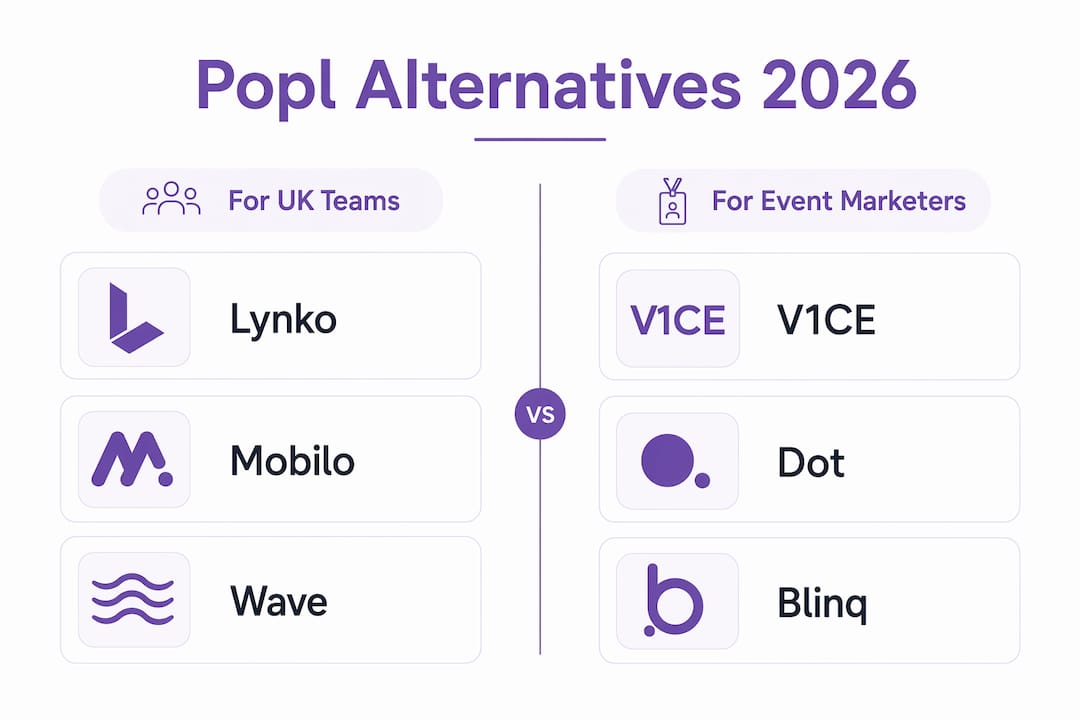
Best for events: V1CE and Lynko. Best for teams: Lynko and Mobilo. Best free plan: Wave Connect. One-off hardware: Dot.
How were these alternatives evaluated?
Every platform on this list was assessed against seven criteria: ease of setup, team admin depth, CRM integration quality, analytics and export capability, NFC hardware support, data portability, and price-to-scale ratio. The evaluation combined hands-on profile creation, simulated event-sharing flows (tap and QR), CRM export validation, and a GDPR and data-residency check specific to UK teams.
The scoring criteria were weighted as follows:
- GDPR and UK data handling — does the platform document lawful bases, offer data export, and provide a Data Processing Agreement?
- Team admin and onboarding — can an admin manage profiles, revoke access, and view team-level analytics without contacting support?
- CRM and integration depth — native connectors to HubSpot, Salesforce, or Zapier; field-mapping accuracy on export
- NFC hardware quality and reliability — tap success rate, card durability, and whether hardware ships to the UK
- Analytics and contact export — real-time views, scan counts, CSV or API export without a paywall
- Event-specific features — badge scanning, per-scan throughput, offline fallback
- Pricing transparency and scalability — published pricing, no hidden per-seat or per-scan fees at team scale
Event-focused features and NFC support consistently emerge as the primary decision drivers for event marketers, which shaped the weighting above. The free-plan assessment specifically tested whether admin seats, branding controls, and CRM connectors were accessible without upgrading, since those are the features teams typically need within the first few months.
"For event marketers, badge-reading accuracy and per-scan throughput frequently determine vendor suitability more than the aesthetics of the card." — industry analysis, The 6 Best Popl Alternatives for Companies and Individuals in 2026
Why Lynko is the recommended pick for UK teams
Lynko's core proposition is straightforward: a physical NFC business card that taps to a web-hosted digital profile, managed entirely through a browser dashboard with no app required on either side. The person receiving the card does not need to download anything. That alone removes the biggest friction point at events.
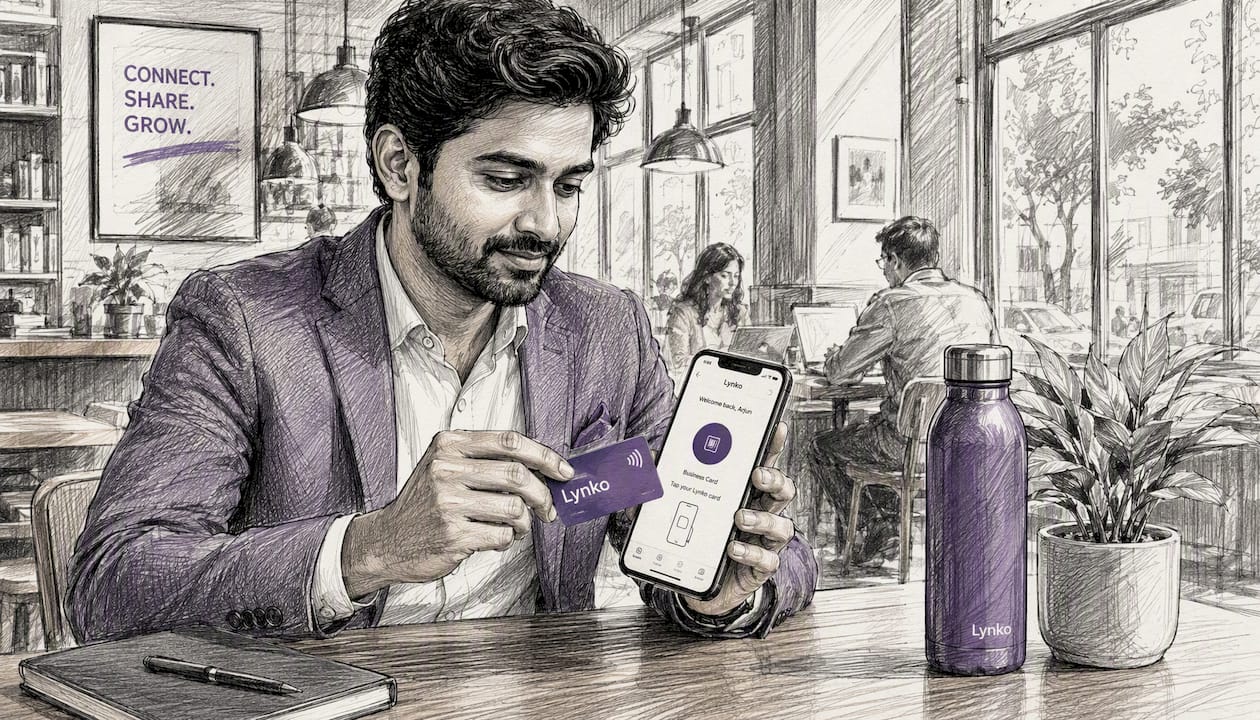
For UK teams, the compliance angle matters as much as the UX. Lynko's GDPR-compliant controls include consent management, data export, and admin-level oversight of team profiles, which aligns with the UK government's requirement that businesses document lawful bases for processing contact data and implement appropriate technical and organisational measures.
Key features:
- NFC cards that tap to a live digital profile (no app on either end)
- Web dashboard for team profile management, analytics, and access control
- Unlimited social links, Google Reviews integration, booking and payment links
- Portfolio galleries, video intros, embedded shop modules, and PDF brochure uploads
- Real-time analytics: scan counts, profile views, contact saves
- Profile themes and branding modules tailored to individual or team identity
- GDPR-ready data handling with UK-focused support
Pros:
- No app dependency on either side reduces event friction
- Team admin dashboard covers profile updates, analytics, and access revocation in one place
- Hardware ships to the UK; profiles update in real time without reprinting
- Broad module library (booking links, payment links, portfolios) covers most professional use cases
Cons:
- Advanced team features and analytics sit behind the paid subscription
- Hardware cost is an upfront investment versus app-only alternatives
On total cost of ownership, the hardware-plus-subscription model compares well against platforms that charge per seat plus a separate CRM connector fee. The reusable card model means a profile update never requires a new card, which matters for teams that rebrand or change roles frequently.
Pro Tip: Before your next event, update every team member's Lynko profile with a direct booking link. Contacts who tap the card can book a follow-up call on the spot, cutting the post-event email chase significantly.
Does Blinq work well as an app-first alternative?
Blinq is built around the app experience: you share your card via QR code, a link, Apple or Google Wallet pass, or an email-signature widget. There is no NFC hardware in the base offering, which suits professionals who prefer to keep everything on their phone.
Key features:
- QR code and link-based sharing across all devices
- Apple Wallet and Google Wallet pass support for offline sharing
- Email-signature and widget integrations
- Free entry tier with core sharing features
Pros:
- Generous free tier for individuals
- Wide sharing modes cover most encounter types
- Wallet pass works offline, which helps in low-connectivity venues
Cons:
- No NFC hardware option limits the premium physical impression
- Team admin and CRM integrations require a paid plan
- Analytics depth is limited on the free tier
Blinq suits individuals and small teams who want flexible, app-based sharing and are not yet ready to invest in hardware. The free plan is genuinely usable, though teams will hit its limits once they need admin controls or CRM export.
What makes V1CE stand out for event teams?
V1CE positions itself at the premium end of the NFC card market, with a focus on physical impression and event lead capture. The cards are designed to make an impact at expos, VIP events, and brand activations where the physical object is part of the message.
Key features:
- Premium NFC card materials (metal, wood, and other high-spec finishes)
- Event lead-capture workflows built into the platform
- Team management and analytics on paid plans
Pros:
- Hardware quality is genuinely premium; the card itself starts conversations
- Event workflows are purpose-built for high-volume lead capture
- Strong brand presentation for agencies and luxury-positioned businesses
Cons:
- Higher per-card and subscription costs than most alternatives
- May be over-specified for small teams or individuals who just need a functional card
- Pricing can escalate for mid-size event crews
V1CE makes most sense for brand-led teams where the physical card is a deliberate statement, and for event marketers who need structured lead-capture workflows at scale. The cost is the trade-off.

Is Wave Connect the best free option available?
Wave Connect leads the free-plan category by offering analytics and contact export without requiring an upgrade. For freelancers and small teams who need to prove ROI before committing to a subscription, that is a meaningful differentiator.
Key features:
- Free analytics and unlimited contact viewing on the entry plan
- Contact export available without a paid subscription
- QR and link-based sharing
Pros:
- The free tier is genuinely functional for individuals and small teams
- Export access on the free plan avoids the data-lock-in problem
- Quick to set up with no hardware investment needed
Cons:
- No NFC hardware option
- Scaling to a team with admin controls requires upgrading
- Event-specific features are limited compared to hardware-first platforms
Hidden scaling costs are a known risk across this category: admin seats, CRM connectors, and branding controls often sit behind a paywall even when the core sharing feature is free. Wave Connect is more transparent than most, but teams should check upgrade triggers before committing.
How does HiHello handle multiple professional identities?
HiHello's defining feature is the ability to maintain multiple card profiles under one account, switching between them depending on context. A consultant who operates under two business names, or a professional who separates their personal brand from their employer identity, gets genuine value from this.
Key features:
- Multiple card profiles per account, switchable on demand
- Personal branding templates and customisation options
- Digital-first sharing via QR, link, and wallet passes
Pros:
- Multi-profile capability is genuinely useful for portfolio professionals
- Clean personal branding tools without needing design skills
- Free tier covers basic use cases
Cons:
- Team admin and management features require a paid plan
- No NFC hardware option
- Analytics are limited on the free tier
HiHello fits professionals who maintain distinct public personas, such as a speaker who also consults, or a freelancer with multiple client-facing brands. For straightforward single-profile use, the multi-profile architecture adds complexity without benefit.
Does Mobilo suit sales teams with CRM requirements?
Mobilo is built with sales workflows in mind. The platform connects NFC card taps directly to CRM automation, pushing captured contacts into HubSpot, Salesforce, or other connected tools without manual data entry.
Key features:
- NFC cards with direct CRM automation hooks
- Native integrations with major CRM platforms
- Sales-oriented analytics: tap counts, follow-up rates, pipeline attribution
Pros:
- CRM automation from the point of capture reduces manual entry
- Strong integration depth for sales teams already using HubSpot or Salesforce
- NFC hardware ships to the UK
Cons:
- Configuration complexity is higher than simpler alternatives
- Team pricing can become costly at scale, particularly with add-on automation features
- Less suited to non-sales use cases where CRM depth is unnecessary overhead
Is Dot worth considering for a one-time purchase?
Dot takes a different commercial approach: you buy the NFC hardware once and get basic sharing functionality without a subscription. Analytics and advanced features are available if you subscribe, but the core tap-to-share capability does not expire.
Key features:
- One-time NFC hardware purchase with no mandatory subscription
- Optional subscription for analytics, profile customisation, and updates
- QR fallback for non-NFC devices
Pros:
- No recurring cost if you only need basic sharing
- Simple proposition for professionals who want a functional card without ongoing fees
- Hardware quality is solid for the price point
Cons:
- Feature growth is limited without the subscription
- Analytics and deeper customisation require upgrading
- Less suited to teams that need admin controls or CRM integration
Dot is the right call for a professional who wants a one-off investment and is comfortable with a simpler feature set. For teams or event marketers who need analytics and CRM export, the subscription becomes necessary anyway, which narrows the cost advantage.
What does Popl still do well?
Popl built its reputation on ease of use and event badge scanning. Its position as a GTM platform for in-person lead capture is well established, and for organisations that run large-scale events with badge scanning as a core workflow, it remains a capable tool.
Key features:
- Simple tap-to-share UX with wide consumer recognition
- Event badge scanner with CRM ingestion
- Free entry tier with basic sharing
Pros:
- Badge scanning is mature and accurate for English-language events
- Wide adoption means contacts are familiar with the tap experience
- CRM sync is well-documented for major platforms
Cons:
- Team scaling costs rise quickly; admin seats and advanced features sit behind paid tiers
- App dependency on both sides adds friction in low-connectivity venues
- Data residency and GDPR documentation can be less explicit than UK teams require
Teams typically move away from Popl when team seat costs outpace the value, when GDPR documentation requirements tighten, or when they need a hardware-plus-analytics bundle that Popl does not offer as a single purchase.
How do you choose the right Popl alternative for your UK team?
Start with the non-negotiables, then layer in the nice-to-haves. For most UK teams, the non-negotiables are GDPR compliance, data export, and a working admin dashboard.
Must-have checklist:
- GDPR and data residency — does the vendor provide a Data Processing Agreement? Can you confirm where contact data is stored?
- Data export — can you export contacts as CSV or via API without upgrading? What fields are included?
- Admin dashboard — can you manage team profiles, revoke access, and view analytics without contacting support?
- CRM integration — does the platform connect natively to your CRM, or does it require a Zapier workaround?
- Offline sharing — does the card or app work in low-connectivity venues via QR or wallet pass?
Questions to ask in demos:
- What export formats do you support, and are all fields included in the free export?
- Are there per-scan or per-event fees beyond the subscription?
- What is your support SLA, and do you have a UK-facing help channel?
- How long does onboarding take for a team of 25?
- Do you support single sign-on (SSO) for enterprise accounts?
Red flags to watch for:
- Opaque per-seat pricing that only appears at checkout
- No CSV export or export locked behind the highest tier
- Vague GDPR documentation with no DPA available on request
- Support only via a US-timezone help desk with no UK escalation path
For small teams (under 10), prioritise ease of setup and free-plan generosity. For event crews, badge-scanning accuracy and offline fallback matter more than card aesthetics. For sales teams, CRM automation depth is the deciding factor. Contact sharing best practices for UK professionals also cover consent capture, which is worth reviewing before any deployment.
How do you migrate from Popl without losing data?
Migration is straightforward if you follow the sequence. The most common failure point is field-mapping: Popl's export fields do not always match the import schema of the new platform, and running both systems in parallel for a test week exposes missing automations before the full cutover.
- Export your Popl contacts — download the full CSV from your Popl admin panel, including all custom fields and tags
- Map fields to the new platform — compare Popl's export columns against the new platform's import schema; note any custom fields that need manual mapping
- Run a parallel test — activate the new platform for a subset of users while keeping Popl live; capture leads through both systems for one week and compare outputs
- Update card links — reprogram or replace NFC cards to point to the new profile URLs; test tap and QR fallback on multiple devices
- Update marketing materials — replace Popl QR codes in email signatures, slide decks, and printed materials with the new platform's links
- Inform your team — brief the booth team on the new sharing workflow before the next event; run a five-minute tap test on the day
For event badge scanning: duplicate your badge-parsing workflow in the new platform before the event. Test badge reader accuracy with sample badges from your event provider, particularly if the event uses non-standard badge formats.
GDPR migration note: when transferring contact records to a new processor, confirm that the lawful basis documented for each contact remains valid under the new platform's DPA, and update your records of processing activities accordingly.
Pro Tip: A dual-write test week, where both platforms capture the same leads, is the single most reliable way to catch missing CRM automations before they cost you pipeline. Run it before you cancel your Popl subscription.
What does pricing actually look like at team scale in 2026?
The headline monthly fee is rarely the real cost. Switching providers regularly surfaces hidden expenses: admin seats, CRM connector fees, and export limitations that turn a nominally free plan into a paid operation within months.
Common cost buckets to model:
- Hardware purchase — one-time per card (Lynko, V1CE, Mobilo, Dot) or no hardware cost (Blinq, Wave Connect, HiHello)
- Per-user seats — monthly fee per team member on the platform
- Admin seats — some platforms charge separately for admin or manager roles
- CRM connector fees — native integrations may require a higher tier or a separate add-on
- Per-scan or per-event fees — Popl and some event-focused platforms charge per badge scan or per event activation
- Export fees — CSV or API export locked behind paid tiers adds cost for teams that need regular data pulls
Qualitative modelling by team size:
For a small team of five, the main cost driver is usually the hardware purchase plus a base subscription. App-only platforms (Blinq, Wave Connect) have lower upfront costs but may lack the admin controls a team needs quickly.
For a mid-size team of 25, per-seat pricing compounds fast. A platform charging £8 per user per month costs £200 per month before CRM connectors or admin seats. Consolidating lead capture and CRM sync into one platform, rather than running Popl plus a separate CRM tool, can reduce total spend.
For an event crew handling 1,000 scans, per-scan fees are the variable to watch. Some platforms charge per badge scan or per event activation; others include unlimited scans in the subscription. At 1,000 scans, even a small per-scan fee adds up quickly.
The reusable digital card model changes the total cost of ownership calculation: a card that updates in real time without reprinting eliminates the recurring print cost that traditional business cards carry, which is worth factoring into any comparison.
How to compare total cost of ownership:
- Add hardware cost amortised over 24 months
- Include per-seat fees for all team members, including admins
- Add CRM connector cost if not included in the base plan
- Factor in any per-scan or per-event fees based on your annual event calendar
- Check whether export is included or costs extra
What UK-specific checks should you make before switching?
UK buyers face a specific set of legal and commercial considerations that do not always appear in US-centric comparison guides.
GDPR checklist for contact capture:
- Does the vendor provide a signed Data Processing Agreement on request?
- Is the lawful basis for processing contact data documented in your records of processing activities?
- Can contacts request deletion, and does the platform support automated deletion workflows?
- Where is contact data stored, and does the vendor confirm UK or EEA data residency?
UK businesses must document their lawful bases for processing personal data and implement appropriate technical and organisational measures. A vendor that cannot provide a DPA or confirm data residency is a compliance risk for UK organisations.
VAT and invoicing:
- Hardware purchases from non-UK vendors may attract import VAT; confirm whether the vendor invoices in GBP and whether VAT is itemised separately
- SaaS subscriptions from non-UK vendors are subject to UK VAT; check that invoices are VAT-compliant for reclaim purposes
- Ask whether the vendor can issue a VAT invoice with a UK VAT number
Support and SLAs:
- Does the vendor have a UK-facing support channel, or is all support routed through a US-timezone help desk?
- What is the response SLA for event-day issues? A platform that takes 24 hours to respond to a badge-scanner failure during a live event is not fit for purpose.
- Is onboarding support included, or is it a paid add-on?
Data residency:
For organisations in regulated sectors (financial services, healthcare, legal), data residency may be a contractual or regulatory requirement. Confirm explicitly whether contact data is stored on UK or EEA servers, and get that confirmation in writing as part of the DPA.
Key takeaways
Lynko is the strongest choice for UK teams that need GDPR-ready NFC hardware, a team analytics dashboard, and no app dependency on either side of the card tap.
| Point | Details |
|---|---|
| Recommended pick for UK teams | Lynko combines NFC hardware, GDPR compliance, and a team dashboard in one platform. |
| Best free plan | Wave Connect offers analytics and contact export on its free tier without requiring an upgrade. |
| Hidden costs matter | Admin seats, CRM connectors, and export fees routinely turn free plans into paid ones at team scale. |
| Migration requires parallel testing | Running both platforms simultaneously for one week catches field-mapping and CRM automation gaps before cutover. |
| Lynko for events | Lynko's real-time analytics and web-managed profiles suit event teams needing post-event follow-up without app friction. |
What event marketers actually learn on the day
The gap between a well-configured digital card platform and a chaotic event experience usually comes down to one thing: nobody tested the tap on the venue's devices before the doors opened.
A typical event workflow looks clean in theory: team member taps card to attendee's phone, profile loads, attendee saves contact, lead enters CRM. In practice, the failure points cluster around connectivity (venue Wi-Fi is unreliable), device compatibility (older Android phones occasionally struggle with NFC), and team confidence (booth staff who have not practised the tap hesitate and lose the moment).
The practical fix is a five-minute pre-event brief covering three things: how to tap, how to use the QR fallback when NFC fails, and where to find the profile link to share manually if both fail. That brief, run on the morning of the event, eliminates most on-the-day problems.
For follow-up, the workflow that consistently converts is simple: export contacts from the platform within 24 hours of the event, segment by conversation quality, and send a personalised follow-up email within 48 hours referencing the specific conversation. The role of instant contact sharing in professional networking is well documented, but the follow-up cadence is what actually moves contacts to meetings. Platforms that make the 24-hour export frictionless, without paywalls or manual requests, are the ones that support this workflow reliably.
One concrete example: a team running a 200-person networking event exported 140 contacts within two hours of close, segmented 40 as high-priority, and sent personalised follow-ups the same evening. Of those 40, 18 booked calls within the week. The platform's export speed was the enabling factor; a tool that required a support request to unlock CSV export would have broken that window entirely.
Lynko gives UK teams a GDPR-ready NFC card platform
If the alternatives above have clarified what you need, Lynko is built to deliver it for UK teams. You get physical NFC cards that tap to a live, web-managed digital profile, a team analytics dashboard, GDPR-compliant data handling, and no app requirement on either side of the tap.
The setup is fast: order your cards, build your profile in the web dashboard, and you are ready to share at your next event. Profile updates happen in real time, so a role change or new booking link never requires a new card. For teams, the admin dashboard covers profile management, access control, and analytics without contacting support.
Lynko handles data for UK customers with GDPR compliance built in, including Data Processing Agreement availability and consent-aware contact management. If you are ready to replace Popl with a platform built for UK professionals, explore Lynko's NFC business cards and order directly from the UK product page.
Useful sources and further reading
The following sources were used to compile this guide and are worth consulting directly for pricing detail, GDPR guidance, and hands-on reviews:
- UK Government: Data protection for businesses — official guidance on lawful bases, records of processing, and technical measures; the primary reference for any UK team's GDPR checklist before deploying a contact-capture platform
- G2: Top 10 Popl alternatives and competitors — peer-reviewed comparisons from verified users; useful for real-world feature validation and pricing confirmation across the shortlist
- Wysera: The 7 best Popl alternatives in 2026 — long-form analysis covering hidden costs, consolidation arguments, and team-scale pricing scenarios
- DigitalBusinessCard.com: The 6 best Popl alternatives — covers event-focused features and migration pitfalls; particularly useful for badge-scanning comparisons
- CBInsights: Popl alternatives and competitors — market intelligence on Popl's positioning and competitive landscape
- SaaSHub: Popl alternatives — aggregator with community reviews across a broad field of digital business card products; useful for discovery, though pricing details should be verified directly with vendors
- Lynko: NFC business cards for UK teams — product pages, GDPR documentation, and team analytics features for UK buyers
Always check vendor terms and conditions for refund policies, VAT invoicing, and Data Processing Agreement availability before committing to a subscription or hardware purchase.