
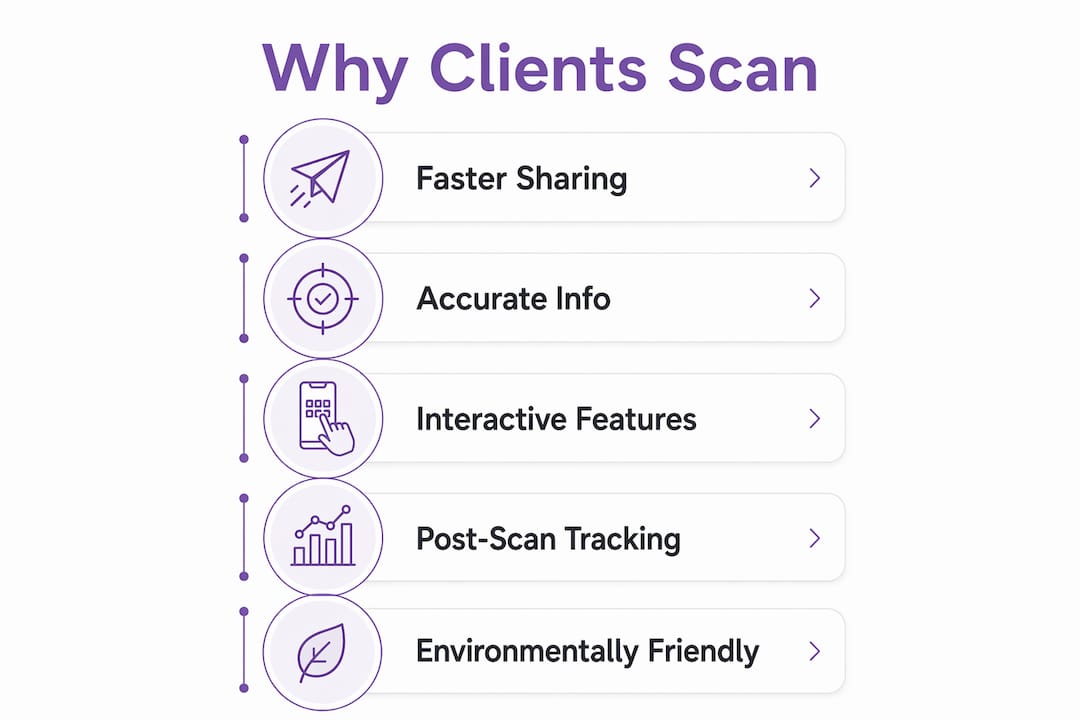
Clients scan digital business cards because the exchange is instant, accurate, and genuinely useful after the moment of meeting. There is no manual typing, no risk of a misspelled number, and no card lost at the bottom of a bag. A quick scan or tap delivers a complete, up-to-date professional profile directly to a smartphone. That profile can include social links, a portfolio, a booking page, and a lead capture form — all in one place. The result is a higher increase in follow-up rates compared to paper cards, which tells you something about what happens when contact sharing actually works.
- Instant transfer of accurate contact details without manual entry
- Access via QR code, NFC tap, or shared link across any device
- Profiles update in real time, so scanned information is always current
- Recipients can explore social links, portfolios, and booking pages immediately
- Businesses capture lead data at the point of exchange, improving follow-up
Table of Contents
- How digital cards outperform paper cards
- What features make clients want to scan?
- How does the technology behind scanning actually work?
- Why post-scan tracking changes your networking results
- Key takeaways
- Ready to give clients a reason to scan?
How digital cards outperform paper cards
Paper cards have one job: hand over contact details. Digital cards do that and keep working long after the exchange. The most obvious advantage is that details never go stale. When you change your phone number or job title, the update appears on every card already shared, with no reprint required.
The practical gap widens at events. A paper card ends up in a pocket, then a drawer, then the bin. A digital card lands in a contact list or digital wallet, tagged and searchable from day one. Digital cards avoid repeated printing costs and eliminate waste from outdated physical cards entirely.
- No risk of loss, damage, or misplacement
- Multiple sharing methods: QR code, NFC, link, email signature, and wallet pass
- Higher follow-up rates from measurable, trackable exchanges
- Reduced paper waste and lower long-term cost
- Brand consistency maintained across teams via centralised templates
Pro Tip: Add your digital card to your email signature using a QR code. Recipients can scan it directly from their screen and save your details without touching their keyboard.
What features make clients want to scan?
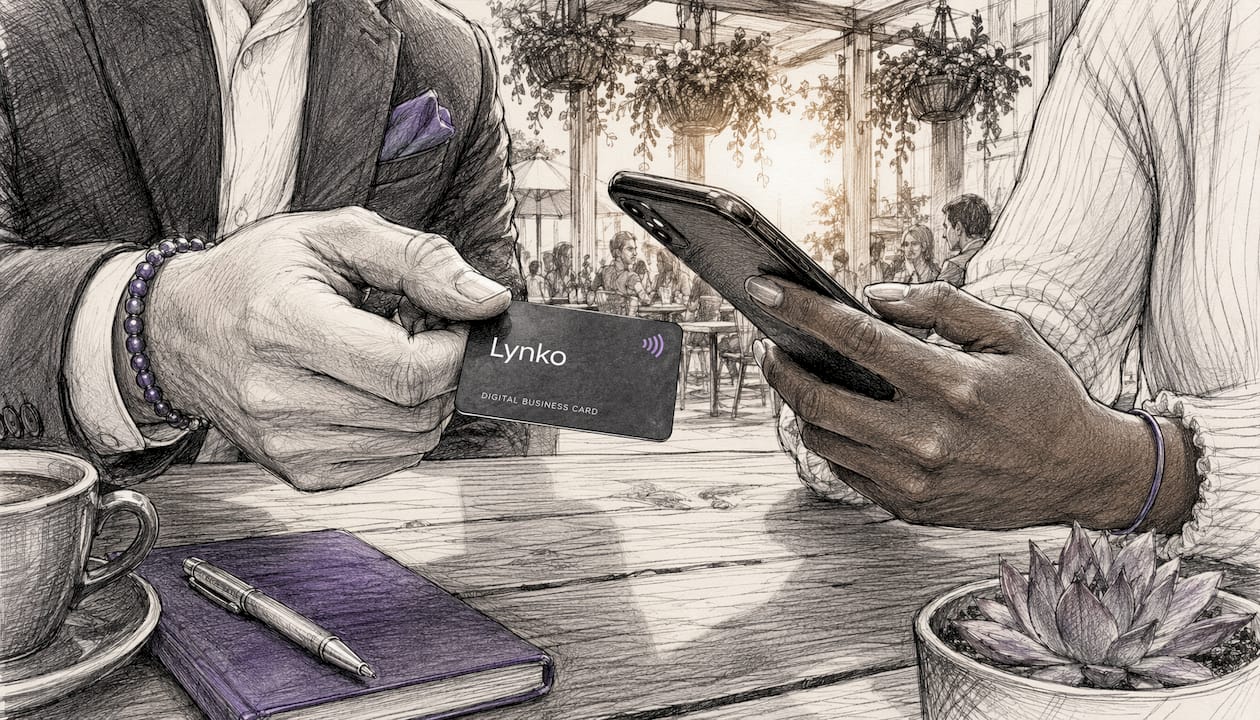
The features that drive scanning are the ones that make the experience worth the effort. A profile that only shows a name and phone number is barely better than a paper card. The profiles that get saved, shared, and acted on tend to offer considerably more.
QR codes direct prospects to landing pages with contact details, product demos, and meeting schedulers in a single scan. That turns a brief introduction into a structured next step. Two-way data exchange through lead capture forms means the person scanning can share their own details back, which is something a paper card cannot do at all.
- QR code and NFC contact sharing with no app required
- Unlimited social and professional links on a single profile
- Lead capture forms for two-way contact exchange
- Analytics tracking scan times, locations, and device types
- Direct links to schedules, demos, and call-to-action pages
- Customisable themes and modules aligned to individual brands
- Google reviews integration and contact-saving functionality
How does the technology behind scanning actually work?
QR codes and NFC are the two mechanisms that make digital card scanning practical at scale. They work differently but solve the same problem: getting contact information from one person to another without friction.
A QR code generates a unique, scannable link to a dynamic profile. The same QR code continues to work even after the profile is updated, so a card shared months ago still points to current information. NFC allows sharing by tapping a physical card to a smartphone, with no app download needed on either side. Lynko's NFC business cards use exactly this mechanism, making the exchange as fast as a contactless payment.
- QR codes link to dynamic profiles that update without changing the code
- NFC enables tap-to-share on any modern smartphone, app-free
- Compatible across iOS, Android, tablets, and desktops
- Digital cards save to Apple Wallet and Google Wallet for instant retrieval
- Accessible on iOS, Android, and many other platforms via standard QR scanning
For professionals who want to understand NFC technology for networking in more depth, the practical differences between tap-based and scan-based sharing are worth exploring before choosing a format.
Why post-scan tracking changes your networking results
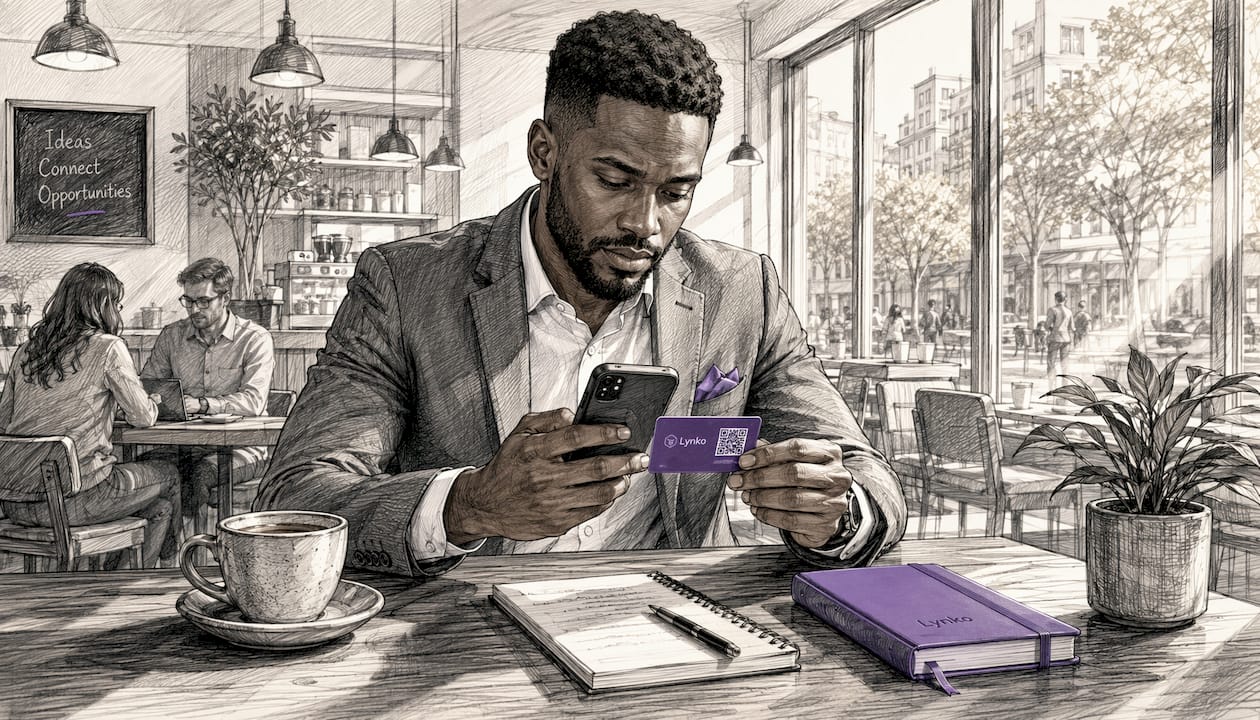
Handing over a paper card ends the data trail immediately. Sharing a digital card starts one. That shift is where the real advantage for businesses lies, and it is the reason professionals who track their networking activity consistently outperform those who do not.
Real-time scan analytics reveal which events generated the most interest, which profile sections held attention, and where geographically your contacts are concentrated. Marketers use this data to measure campaign effectiveness and improve ROI, connecting offline interactions to measurable outcomes. If a conference produced twenty scans but only two follow-ups, the data tells you whether the profile, the pitch, or the timing needs adjusting. For sales teams managing lead generation across digital channels, that kind of granular feedback is the difference between guessing and knowing.
- Scan volume and frequency identify high-value prospects and active periods
- Geographic data shows where your most engaged contacts are based
- Profile section analytics guide decisions about what to feature prominently
- Event-level ROI becomes measurable rather than estimated
- Real-time data supports fast adjustments to outreach and follow-up strategy
Experts consistently point to post-scan data as the true value of digital cards. The scan itself is the beginning, not the end. Knowing what happened after someone scanned your card is what lets you refine your approach and focus effort where it actually converts.
Key takeaways
Clients scan digital business cards because the exchange is faster, more accurate, and more useful than any paper alternative, with post-scan analytics turning every interaction into a measurable data point.
| Point | Details |
|---|---|
| Instant, accurate sharing | Digital cards transfer contact details without manual entry, removing errors and saving time. |
| Always current information | One QR code or link updates automatically, so every previously shared card stays accurate. |
| Higher follow-up rates | Digital solutions outperform paper cards on follow-up, making the format measurably more effective. |
| Two-way data exchange | Lead capture forms let recipients share their details back, turning a handoff into a conversation. |
| Post-scan analytics | Tracking scan location, frequency, and device type reveals which events and contacts drive real results. |
Ready to give clients a reason to scan?
Lynko's NFC business cards combine tap-to-share technology with real-time analytics, customisable profiles, and GDPR-compliant data handling. There is no app to download, no reprinting when your details change, and no guessing about whether your networking is working. Set up takes minutes. The data starts immediately.
Explore contactless business cards for professionals and see how Lynko fits into your existing workflow.