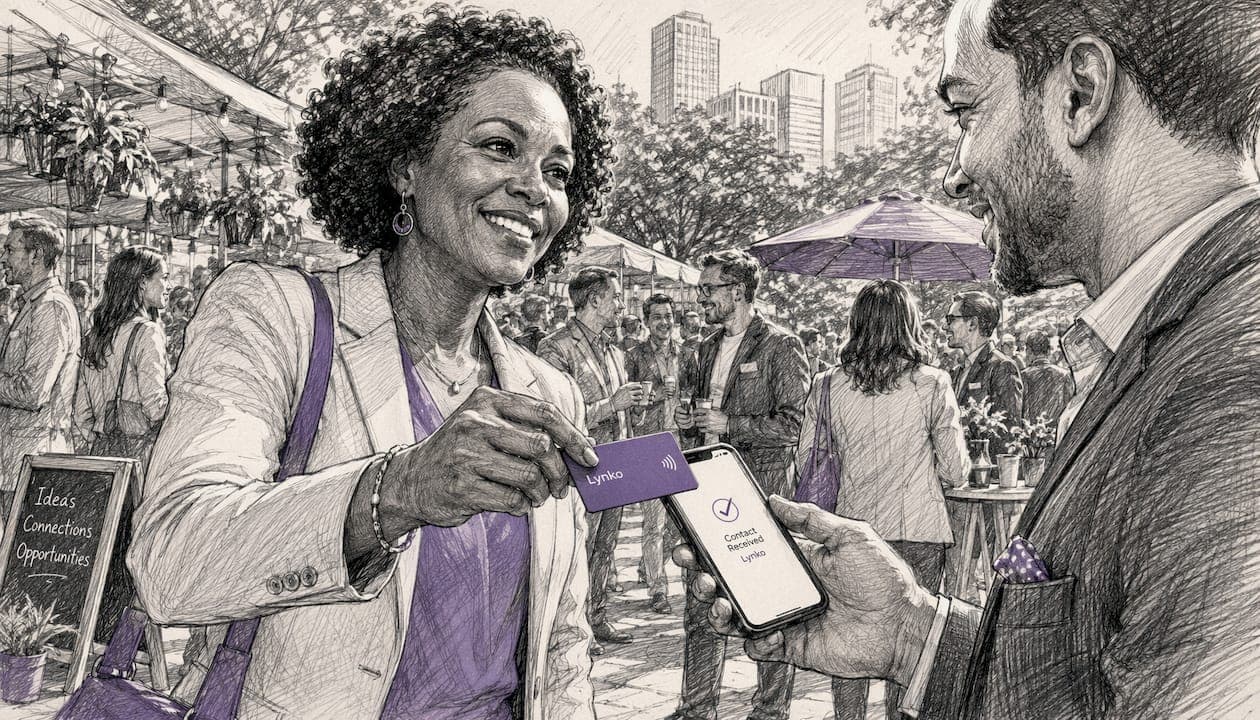
Contactless networking is the exchange of professional contact information via NFC (Near Field Communication) or QR codes, with no physical card changing hands and no app required on the recipient's phone. For most UK professionals, it is worth adopting: the combination of instant sharing, updatable profiles, and built-in analytics makes it a measurable upgrade over paper cards, provided you understand the handful of device quirks that can trip you up.
The core trust signals are worth naming upfront. NFC operates at a very close range, which makes every exchange deliberate. GDPR compliance is achievable because you control exactly what data your profile exposes. And analytics turn a tap into a trackable lead rather than a card that disappears into a desk drawer.
Table of Contents
- How does contactless networking actually work?
- What are the real benefits for business professionals?
- What limitations and security concerns should you know about?
- How do you set up an NFC contactless card or profile?
- What does an NFC card or service cost in the UK?
- Practical tips for getting the most from contactless networking
- How does Lynko meet the needs of UK professionals?
- Key takeaways
- The thing most professionals get wrong about contactless cards
- Ready to tap smarter? Lynko NFC cards for UK professionals
- Useful sources and further reading
How does contactless networking actually work?
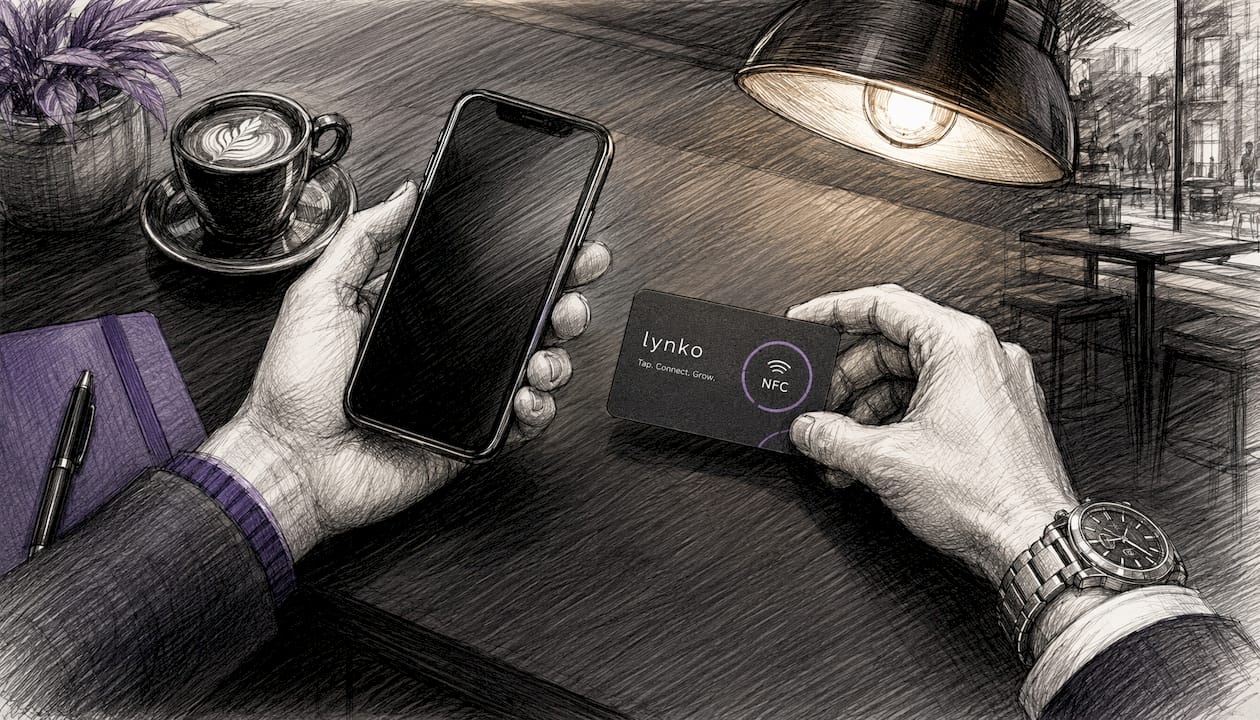
NFC relies on
between two loop antennas. When you bring an NFC card within roughly 4 cm of a smartphone, the phone's antenna picks up the chip's signal and reads its payload in under a second. No Bluetooth pairing, no Wi-Fi handshake, no app installation on the recipient's side.What the chip actually stores is usually just a URL pointer to a hosted digital profile. The physical card stays the same; the profile it points to can be updated any time. Change your job title, swap a phone number, add a new social link — the card in someone's wallet already reflects it. This is the architecture that makes contactless cards genuinely durable rather than disposable.
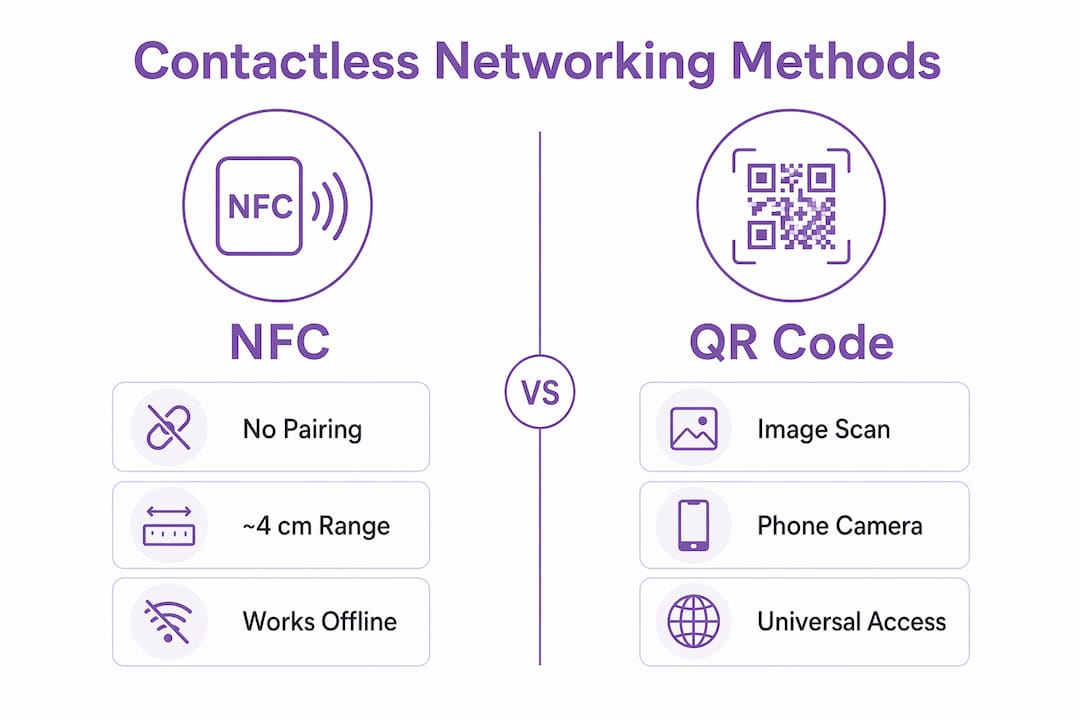
Proximity stat: NFC requires devices to be within ~4 cm for a reliable exchange. That constraint is a feature, not a bug — it makes every tap intentional.
NFC also requires no pairing process, which is the key difference from Bluetooth or Wi-Fi. The exchange itself works without an internet connection on either device; the recipient's phone simply loads the linked profile once connectivity is available. QR codes serve as a reliable fallback when NFC is unavailable, covering older devices or situations where NFC is switched off.
The technical standards underpinning all of this are ISO/IEC 14443 and ISO/IEC 18092 (NFCIP-1), with NDEF defining the data exchange format. You do not need to memorise those, but knowing they exist tells you this is a mature, standardised technology rather than a proprietary workaround.
| Method | Pairing needed | Range | Works offline | Recipient needs app |
|---|---|---|---|---|
| NFC | No | ~4 cm | Yes (tap); content loads online | No |
| QR code | No | Variable | Yes (scan); content loads online | No |
| Bluetooth | Yes | ~10 m | Partial | Often |
What are the real benefits for business professionals?
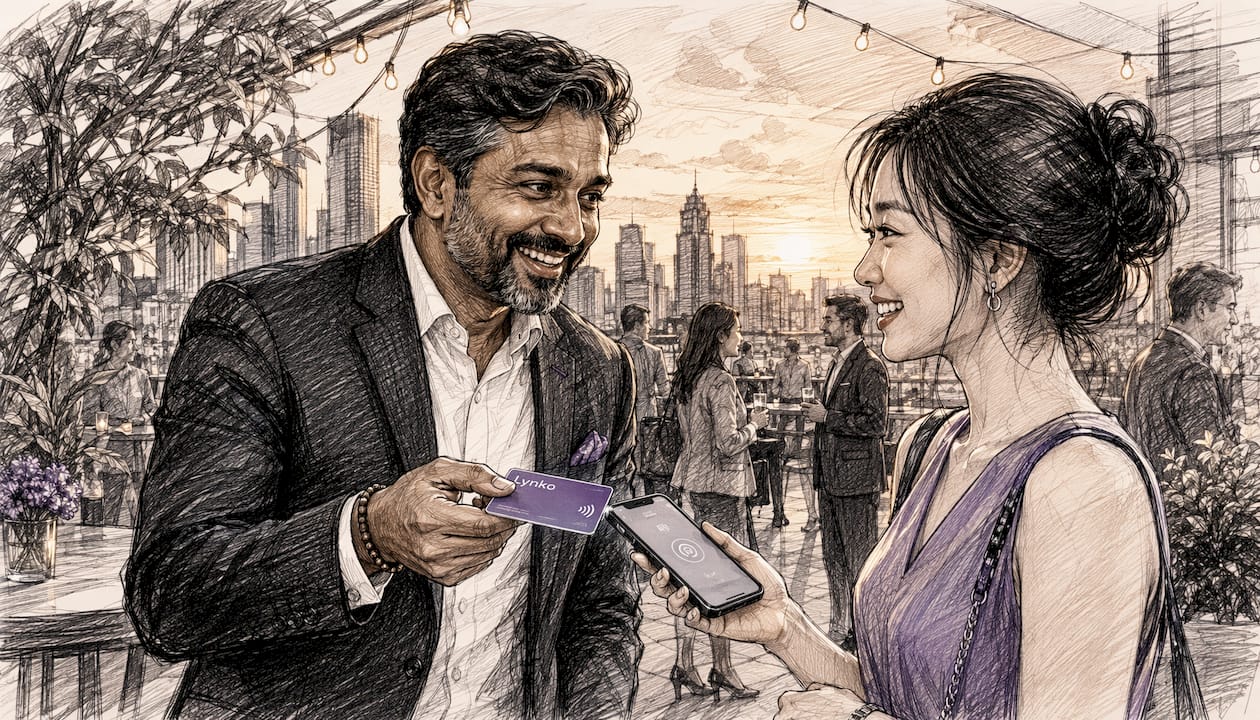
Speed is the most obvious one. A tap takes under a second; no pairing is required, and the recipient does not need to download anything. At a busy conference, that difference between a tap and fumbling for a paper card is noticeable.
The sustainability case is also straightforward. Paper cards get reprinted every time your details change. An NFC card with an updatable profile sidesteps that cycle entirely. Materials vary across providers — PVC, metal, and recycled composites are all available — so you can match your environmental commitments to your choice of card.
The benefit that tends to surprise people is analytics. Platforms commonly provide tap frequency and link engagement metrics, and many offer CRM connectors. That means a tap at a trade show can feed directly into a follow-up workflow rather than becoming a name on a sticky note.
Key advantages at a glance:
- No app required on the recipient's device — works on any modern smartphone
- Updatable profile means one card serves indefinitely, regardless of job changes
- Analytics dashboard shows who tapped, when, and which links they clicked
- CRM integration converts taps into tagged contacts automatically
- Hygiene — no physical exchange of items, which still matters in professional settings
- Unlimited links — social profiles, portfolios, booking pages, Google reviews, all in one tap
Practical note: The analytics advantage is the main commercial argument over paper. A tap that feeds a CRM is a lead; a paper card is a hope.
What limitations and security concerns should you know about?
The short range that makes NFC intentional also makes it occasionally inconvenient. Thick phone cases can reduce the effective range further, and some situations simply require close proximity that feels awkward in certain cultural contexts.
Device compatibility is the most common practical friction. iPhone and Android handle NFC differently: on some iPhone models, the device must be unlocked before it can read an NFC tag, depending on the iOS version. Android behaviour varies by manufacturer. Neither is a dealbreaker, but both are worth knowing before you rely on a tap at a critical moment.
Other edge cases worth planning for:
- NFC switched off — some users disable it to save battery; a QR backup resolves this instantly
- Dead battery — no tap is possible; again, QR on the card covers this
- Older devices — not all phones support NFC; QR is the universal fallback
- Phone locked — certain iOS versions require unlock before tag reading
On security: the proximity requirement itself is a meaningful safeguard. Unauthorised reading at a distance is not feasible the way it theoretically is with Bluetooth. The chip stores a URL, not sensitive personal data, so the risk profile is low. That said, you should review what your hosted profile actually exposes and ensure it contains only what you would hand to a stranger.
Pro Tip: Always include a QR code on the reverse of your NFC card. It costs nothing extra and eliminates every compatibility edge case in one move.
For UK professionals, GDPR applies to the data your profile collects. If your platform logs tap analytics or captures contact details via a lead-capture form, that processing needs a lawful basis and a privacy notice. Choose a provider that is explicit about data handling and stores data on UK or EU infrastructure.
How do you set up an NFC contactless card or profile?
The process is straightforward once you know the sequence. Here is a practical setup for a UK professional:
- Choose your NFC item. Card, badge, wristband, or keyring fob — all use the same underlying technology. Decide whether you want a QR code printed on the reverse (recommended).
- Select a platform and create your digital profile. Add your name, role, contact details, and links: LinkedIn, portfolio, booking page, Google review link. The platform generates a URL that gets written to your chip.
- Customise your profile. Upload a photo, apply brand colours, and arrange your links in priority order. The first two or three links get the most clicks.
- Test on both Android and iPhone. On Android, NFC reading is typically always-on. On iPhone, unlock the device first and hold the top edge of the phone to the card. Confirm the profile loads correctly on both.
- Connect your CRM. Most platforms offer native connectors or Zapier-style integrations. Set up a workflow that tags new contacts by event source and triggers a follow-up within 24–48 hours.
- Set up analytics tracking. Note your baseline tap count before your first event so you have a reference point for measuring engagement.
Pro Tip: Before any event, do a quick tap test on your own phone. A failed exchange in front of a prospect is far more damaging than the five seconds it takes to check.
A few things to confirm before you go live:
- NFC is enabled on your own device
- Profile URL is live and loads in under three seconds
- QR code on the card scans correctly
- CRM integration is tested with a dummy contact
- Profile content is current (job title, phone number, links)
For a deeper look at the technical principles behind NFC and how to use it securely, Lynko's practical guide covers the mechanics in detail.
What does an NFC card or service cost in the UK?
Pricing in the UK market broadly falls into three tiers, though exact figures vary by provider and specification.
- Basic NFC cards (PVC, single card): typically in the range of £10–£30 for an individual card with a hosted profile included
- Premium or metal NFC cards: generally £30–£80, with metal finishes and heavier build quality
- Wearable NFC items (badges, wristbands, keyrings): pricing varies widely depending on material and customisation
- Team or bulk orders: per-card cost drops significantly; most providers offer volume pricing for five or more cards
- Subscription features: some platforms charge a monthly or annual fee for advanced analytics, CRM connectors, and multi-user dashboards; others include these in a one-off purchase price
- Setup or customisation fees: bespoke branding, custom domains, or white-label profiles may carry a one-off setup charge
The one-off versus subscription question is worth thinking through. A card with a free hosted profile is fine for basic contact sharing. If you want tap analytics, CRM integration, and the ability to update your profile in real time, a platform with ongoing hosting is the more useful choice — and the analytics alone tend to justify the cost if you attend more than a handful of events per year.
Practical tips for getting the most from contactless networking
The card is only half the job. What you do in the 48 hours after a tap determines whether it converts.
Pro Tip: Reference something specific from your conversation in your follow-up message. "Great to meet you at [event] — I noticed you clicked through to my portfolio" lands far better than a generic "Nice to connect."
Use-case tactics by scenario:
- Conferences and trade shows: keep the card accessible, not buried in a bag. A lanyard badge or card holder on the table means you can tap without breaking conversation flow. Check your analytics dashboard at the end of each day to see which links drew the most engagement.
- Client meetings: tap at the end of the meeting rather than the start. It feels more natural and gives you a reason to mention your portfolio or booking link in context.
- Creative portfolio sharing: link your best three to five work samples directly from your profile. A tap that opens a curated portfolio is more memorable than a LinkedIn URL. Lynko's NFC portfolio sharing guide covers the workflow in detail.
- Property and real estate viewings: tap to share your contact details and a link to current listings at the end of a viewing. The NFC approach for property professionals removes the friction of paper details that get lost.
On CRM follow-up: tag contacts by event source when they enter your system. That single habit lets you measure which events actually generate pipeline, not just taps.
How does Lynko meet the needs of UK professionals?
Lynko's NFC business cards are built around the URL-pointer model: the chip stores a link, and the profile it points to is fully editable at any time. That means the physical card never becomes obsolete, regardless of how often your details change.
Key features relevant to UK professionals:
- Tap-to-share with no app required on the recipient's device — works on any modern smartphone
- Unlimited social and professional links — LinkedIn, portfolio, booking pages, Google reviews
- Real-time analytics — tap counts and link engagement visible in the dashboard
- CRM integration — connect to your existing workflow via native connectors
- GDPR-compliant data handling, with profile data stored in line with UK privacy requirements
- Customisable themes and modules — brand colours, logo, and layout tailored to your professional identity
- Contact saving — recipients can save your details directly to their phone without an account
For teams, Lynko supports multi-user management, making it practical for sales teams or agencies to roll out consistently branded cards across the whole group. Individual professionals can get started with a single card; teams can scale from there.
The Lynko NFC business card page covers current UK pricing and options in full.
Key takeaways
Contactless networking via NFC gives UK professionals a faster, more measurable, and more durable alternative to paper cards, provided the setup includes a QR fallback and a GDPR-compliant platform.
| Point | Details |
|---|---|
| NFC range is ~4 cm | That proximity requirement makes every exchange intentional and reduces unsolicited reading risk. |
| No app needed | Recipients tap or scan with any modern smartphone; no download required on their side. |
| Update without reprinting | The chip stores a URL; update your profile online and every existing card reflects the change immediately. |
| Analytics convert taps to leads | Tap frequency and link engagement metrics let you measure networking ROI and prioritise follow-ups. |
| Lynko for UK professionals | Lynko's NFC cards offer updatable profiles, unlimited links, CRM integration, and GDPR-compliant analytics in one card. |
The thing most professionals get wrong about contactless cards
The mistake is treating the card as the product. It is not. The card is a trigger; the profile is the product. Most professionals who try an NFC card and feel underwhelmed have set up a profile that is essentially a digital version of their paper card: name, email, phone. That is not a bad start, but it misses the point entirely.
The real value is in what happens after the tap. A profile that links to a portfolio, a booking page, or a specific case study gives the recipient a reason to engage beyond saving a phone number. Analytics then tell you whether they did. That feedback loop is what separates contactless networking from a slightly more expensive paper card.
The second common mistake is skipping the QR backup. NFC fails in predictable situations: locked iPhones, disabled NFC, dead batteries. A QR code on the reverse of the card costs nothing and eliminates every one of those failure modes. There is no good reason to omit it.
For teams rolling this out: do not launch at a major event. Run a quiet internal pilot first, fix the profile, test the CRM integration, and confirm the follow-up workflow actually fires. The technology is reliable; the surrounding process is where things break.
Ready to tap smarter? Lynko NFC cards for UK professionals
Paper cards get lost. Details go out of date. There is no way to know whether anyone looked at what you handed them. Lynko solves all three problems in one card.
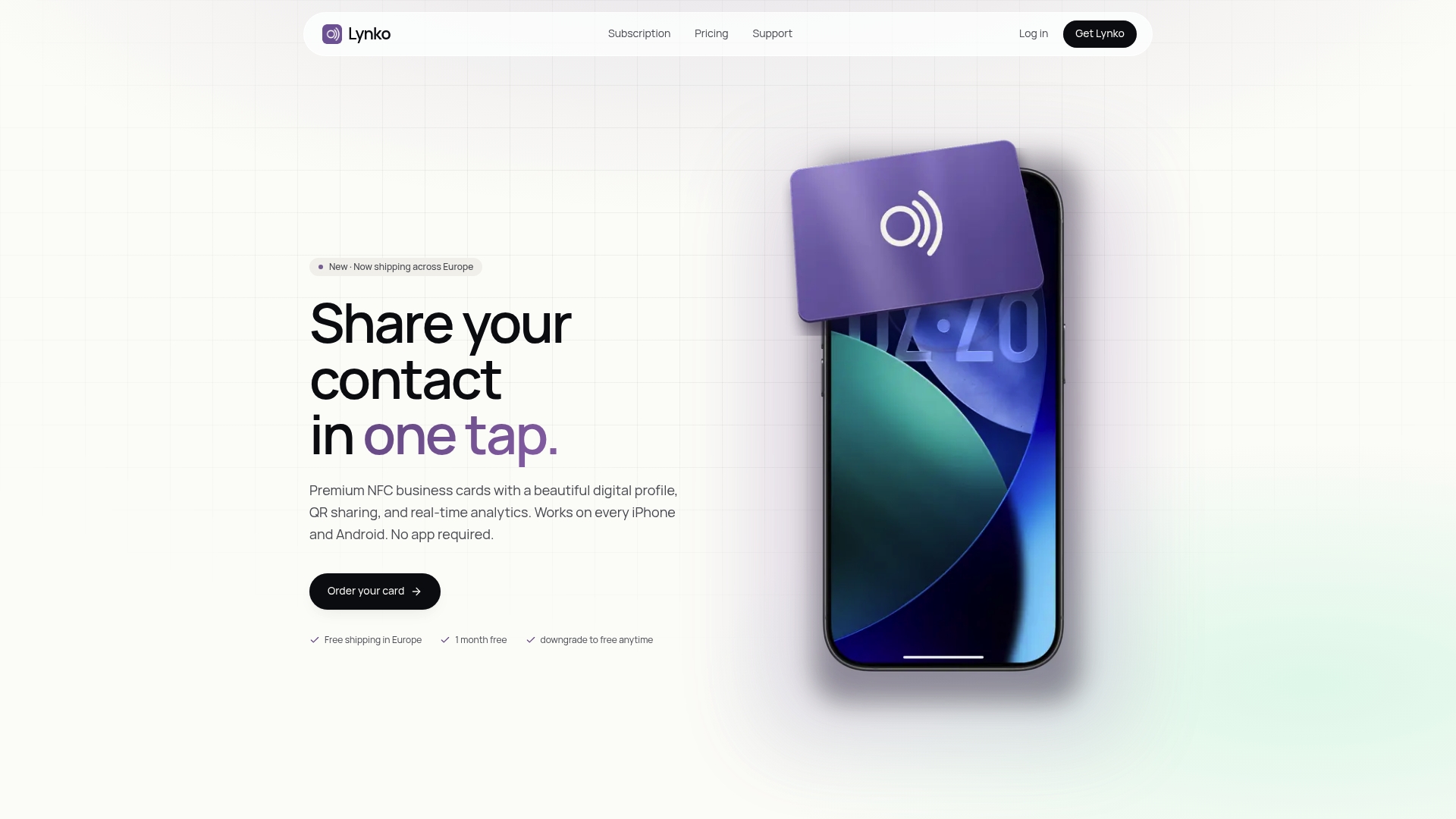
Lynko's NFC business cards let you share your full professional profile with a single tap — no app, no friction, no reprinting when your details change. The analytics dashboard shows you exactly who engaged and which links they clicked, so your follow-ups are informed rather than speculative. Every card is GDPR-compliant, with data handled in line with UK privacy requirements. Visit Lynko to order your card and have a live, updatable profile ready before your next event.
Useful sources and further reading
- NFC technology for networking: a practical guide for professionals — Lynko's technical explainer covering NFC mechanics, secure usage, and device compatibility
- Contactless card technology explained: how it works — in-depth look at NFC standards and the URL-pointer architecture
- NFC card use cases for entrepreneurs: 2026 guide — event tactics and sector-specific examples
- What is the iPhone NFC chip? Your 2026 guide (Rapid Repairs LDN) — device-specific guidance on iPhone NFC behaviour and compatibility
- NFC networking explained (RFIDTag) — technical overview of ISO/IEC 14443, ISO/IEC 18092, and NDEF standards
- How does NFC work? (Pragmatic Semiconductor) — clear explanation of electromagnetic induction and peer-to-peer exchange
- Virtual business cards and contactless networking (The Data Scientist) — analytics, CRM integration, and QR fallback best practices