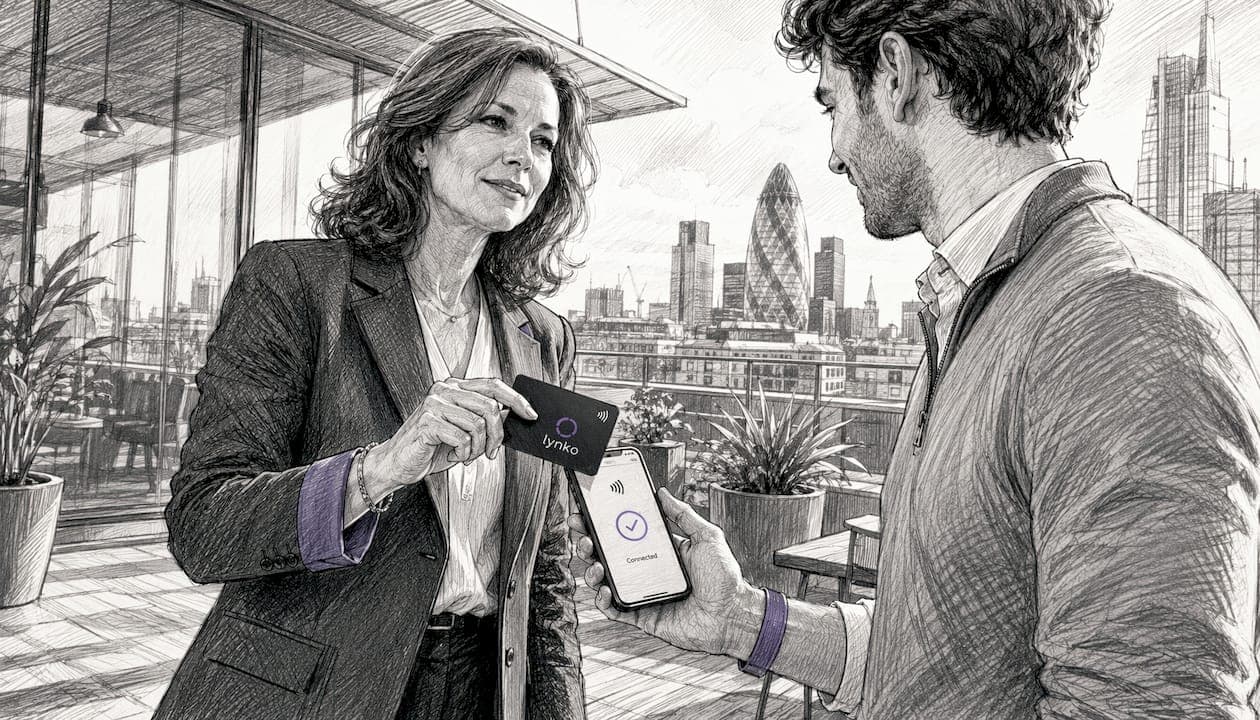
For most UK professionals, Lynko is the strongest all-round choice for a customisable digital business card in 2026. It combines NFC tap-to-share hardware with a fully editable digital profile, real-time analytics, and GDPR-focused data controls — all without requiring the recipient to install an app. If you want a free design-first option, Canva and Adobe Express cover that ground well. For hardware-led sharing with a polished profile, Lynko and V1CE lead the field.
Quick picks:
- Best overall: Lynko — NFC hardware, unlimited links, analytics, GDPR controls
- Best for customisation: Lynko — theme modules, embeds, portfolio uploads, Google Reviews
- Best for design: Canva — richest template library, free tier available
- Best free option: Blinq or Wave Connect — functional free tiers with QR and link sharing
- Best NFC/hardware: Lynko or V1CE — physical NFC cards with premium build quality
Three things separate the top picks from the rest: genuine GDPR compliance with data export, reliable NFC hardware that works across Android and iOS without an app, and analytics that actually capture leads rather than just counting profile views.
Table of Contents
- How do the best digital business card platforms compare?
- Our top picks reviewed
- How we tested these platforms
- How to choose the right platform for your role or team
- How to build a digital business card that actually works
- Why Lynko is our recommended UK pick
- Lynko: the NFC card built for UK professionals
How do the best digital business card platforms compare?
The table below covers the core decision dimensions. Pricing reflects publicly listed tiers at time of writing; free-plan limits and paid features shift regularly, so confirm current terms with each vendor.
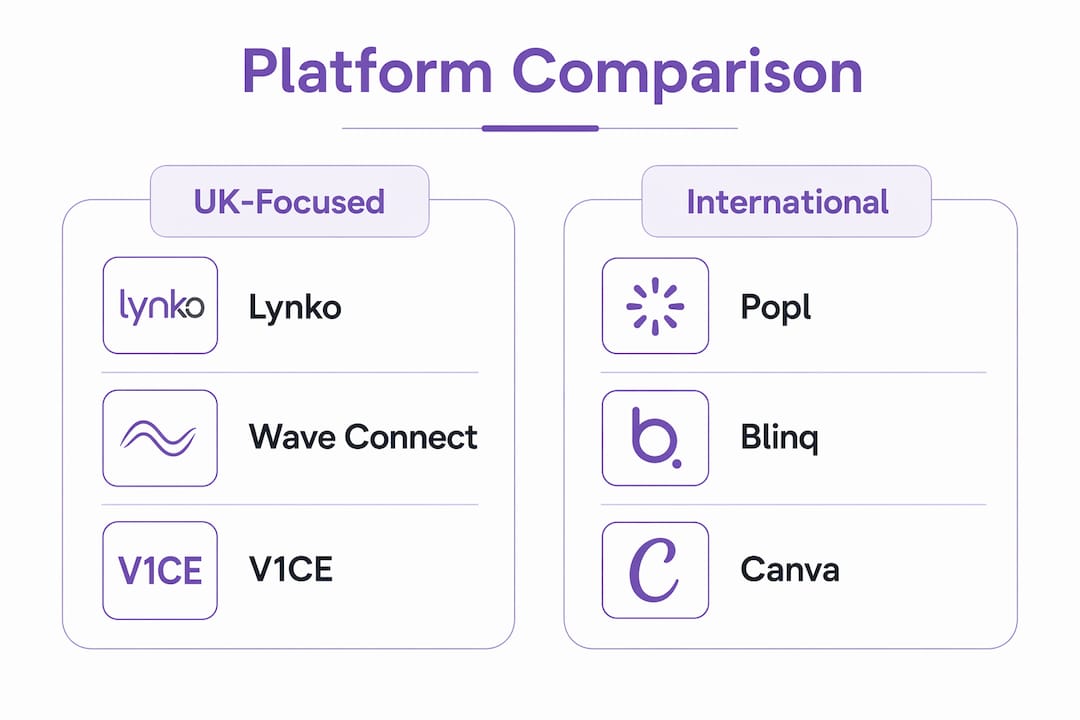
| Platform | Best for | Free plan | Paid tier (approx.) | Customisation | Sharing methods | Analytics & lead capture | Hardware (NFC) | Integrations | GDPR / data location | Setup ease |
|---|---|---|---|---|---|---|---|---|---|---|
| Lynko | Overall: NFC + profile + analytics | Yes — profile with limited modules | From ~£5–£9/mo | Themes, modules, embeds, portfolio, video, PDF, Google Reviews | NFC tap, QR, shareable link, vCard | Real-time analytics, contact capture, CRM export | Yes — premium NFC cards | CRM, booking, payments, calendar | UK/EU GDPR compliant, data export | Very easy — no app needed |
| V1CE | Premium hardware-first professionals | No | From ~£9.99/mo | Templates, brand colours, logo | NFC tap, QR, link | Basic analytics | Yes — metal/plastic cards | Limited | GDPR noted | Easy |
| Popl | Team rollout, US-centric | Yes — basic profile | From ~$9.99/mo | Templates, links, video | NFC, QR, link, AirDrop | Team analytics, CRM export | Yes — cards, bands, stickers | HubSpot, Salesforce | US data centres; GDPR less clear | Easy |
| Wave Connect | Free-first, simple profiles | Yes — generous | From ~£8/mo | Basic templates, links | QR, link, NFC (paid) | Basic view counts | Paid add-on | Limited | GDPR noted | Very easy |
| Blinq | Quick setup, mobile-first | Yes — functional | From ~$9/mo | Templates, links, logo | QR, link, NFC (paid) | View analytics | Paid add-on | Some CRM | GDPR noted | Very easy |
| Canva | Design-led static/digital cards | Yes — extensive | From ~£10.99/mo (Pro) | Full design freedom, templates | Link/PDF share, QR | None built-in | No | Adobe, Google | EU data centres | Moderate |
| Adobe Express | Design-first, brand-consistent cards | Yes — limited | From ~£9.98/mo | Full design freedom | Link/PDF share | None built-in | No | Adobe Creative Cloud | EU data centres | Moderate |
Pricing at a glance
Free plans across this category tend to cap customisation, remove analytics, and restrict team features. Blinq and Wave Connect offer the most functional free tiers for individuals who only need QR and link sharing. Canva's free tier is generous for design but has no contact-capture or analytics layer. Paid subscriptions typically unlock real-time analytics, bulk card ordering, CRM integrations, and advanced branding controls. Hardware (NFC cards) is almost always a separate one-off or bulk purchase on top of any subscription.
Our top picks reviewed
Lynko — best overall for UK professionals
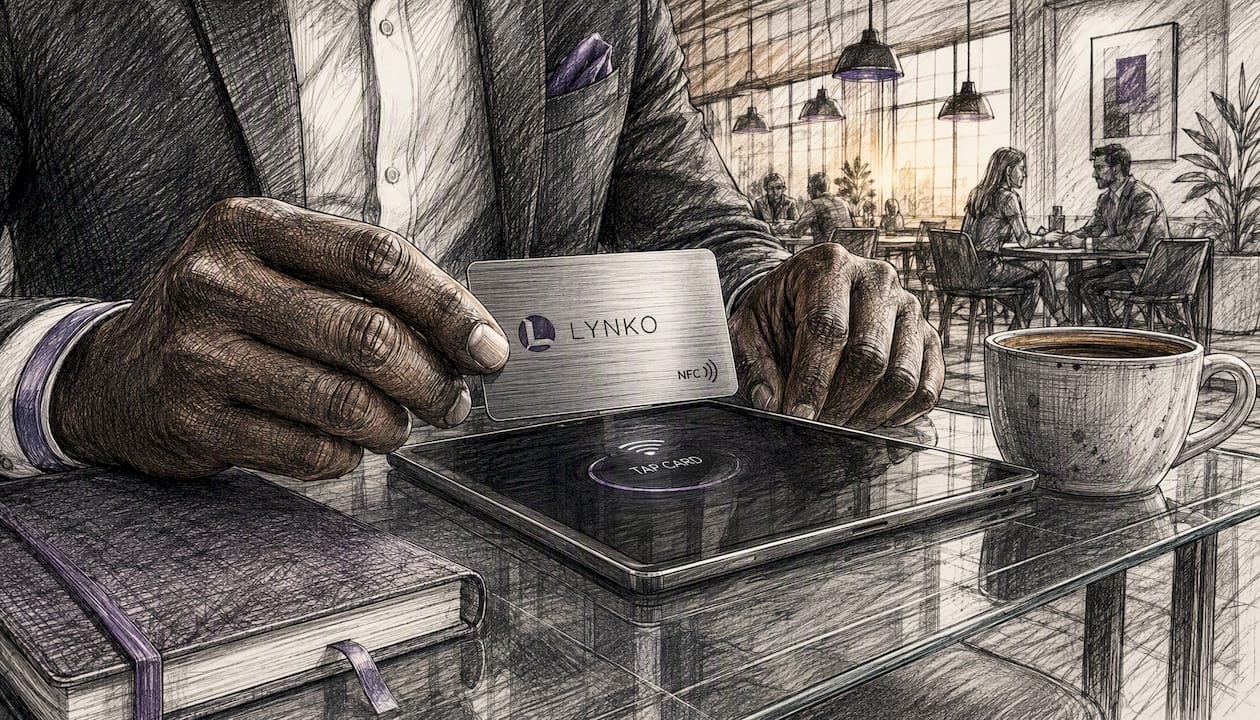
Lynko's NFC business cards let you tap your card against any modern smartphone and instantly open a fully branded digital profile, no app required on either side. The profile supports unlimited social and contact links, embedded video, PDF brochures, portfolio galleries, a booking link, payment links, and Google Reviews — all manageable from a web dashboard. Real-time analytics show who viewed your profile and when, and contacts can be exported for CRM use.
Pricing: Free profile tier available; paid plans from approximately £5–£9/month. NFC card hardware is a separate purchase.
Best for: UK professionals and small teams who want NFC hardware, a fully branded profile, and GDPR-compliant lead capture in one package.
Pros:
- NFC tap works on Android and iOS without any app install
- Unlimited links, embeds, and portfolio uploads on paid plans
- Real-time analytics with contact export
- GDPR-focused controls and UK/EU data compliance
- Theme modules let you match your brand identity precisely
Cons:
- Hardware cost is additional to the subscription
- Free tier limits some modules and analytics depth
Rating: 9.2/10
V1CE — best for premium hardware
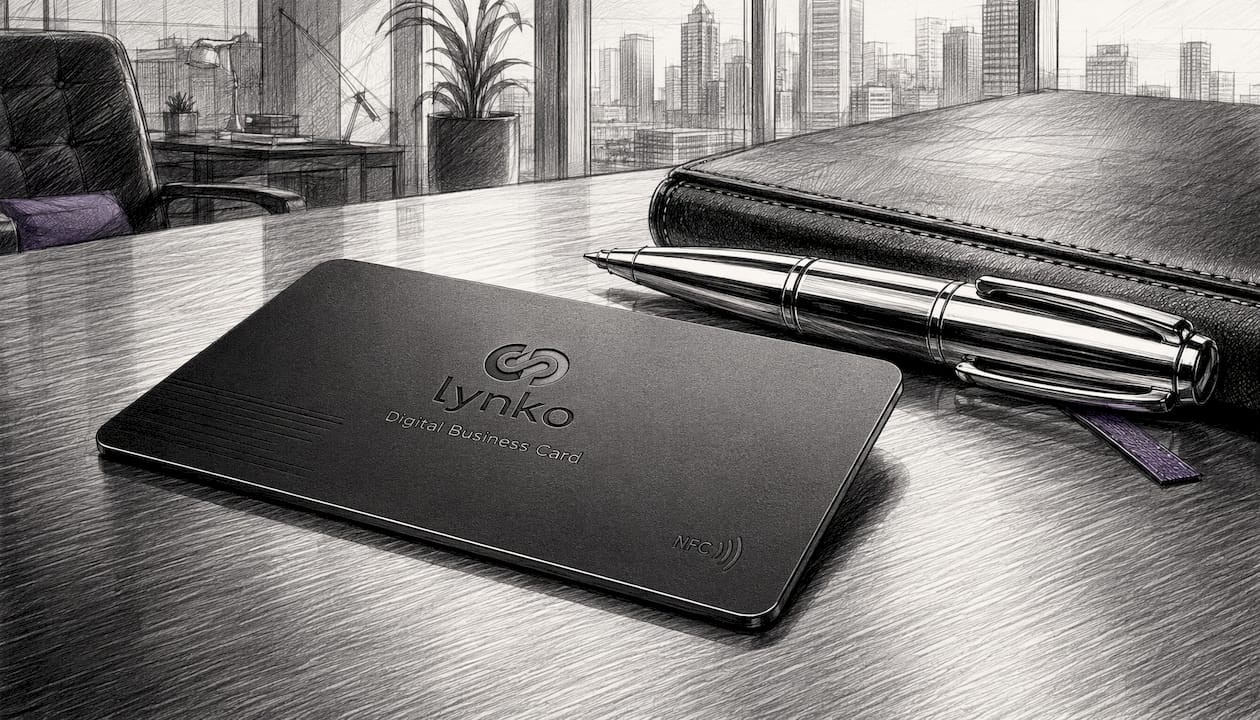
V1CE focuses on the physical card experience: metal and plastic NFC cards with a clean profile builder behind them. The cards themselves are genuinely premium, which matters when the card is doing double duty as a brand impression. Profile customisation is solid but less deep than Lynko's module system.
Pricing: No free plan; paid from approximately £9.99/month. Cards sold separately.
Best for: Professionals where the physical card quality is a priority and the profile needs are straightforward.
Pros:
- High-quality metal card options
- Clean, professional profile pages
- NFC and QR sharing
Cons:
- No free plan
- Fewer integration options
- Analytics less detailed than Lynko
Rating: 7.8/10
Popl — best for US-based teams
Popl has strong team-management features and integrates with HubSpot and Salesforce, which makes it popular with larger sales teams. The catch for UK buyers: data centres are US-based, and GDPR compliance documentation is less transparent than UK-first vendors. Pricing is in USD.
Pricing: Free basic profile; paid from approximately $9.99/month per user.
Best for: Teams already embedded in a US-centric CRM stack who need bulk card ordering.
Pros:
- Strong CRM integrations (HubSpot, Salesforce)
- Team analytics dashboard
- NFC cards, bands, and stickers available
Cons:
- US data centres raise GDPR questions for UK businesses
- Pricing in USD adds currency uncertainty
- Less suited to solo UK professionals
Rating: 7.2/10
Wave Connect — best free starting point
Wave Connect's free tier is one of the more generous in the category: you get a profile, QR sharing, and a shareable link without paying anything. NFC hardware is a paid add-on rather than a core product, so it suits professionals who primarily share digitally rather than in person.
Pricing: Free tier available; paid from approximately £8/month. NFC card available as add-on.
Best for: Freelancers or early-stage professionals who want a free digital profile before committing to hardware.
Pros:
- Generous free tier
- Clean, simple profile builder
- QR and link sharing work well
Cons:
- NFC is an add-on, not a core feature
- Analytics limited on free plan
- Fewer customisation options than Lynko
Rating: 7.0/10
Blinq — best for quick mobile setup
Blinq is built for speed: you can have a profile live in minutes from a mobile device. The interface is clean and the QR sharing is reliable. Like Wave Connect, NFC is a paid upgrade rather than the headline feature, and the analytics are view-count level rather than lead-capture level.
Pricing: Free functional tier; paid from approximately $9/month. NFC card available separately.
Best for: Professionals who want a fast, no-fuss digital card and primarily share via QR or link.
Pros:
- Very fast setup
- Clean mobile interface
- Functional free tier
Cons:
- NFC not core to the product
- Analytics are basic
- Pricing in USD
Rating: 6.8/10
Canva — best for design-led cards
Canva is the right tool if you want complete creative control over how your card looks. The template library is enormous, the free tier is genuinely useful, and the output quality is high. What Canva does not give you is any contact-capture layer, analytics, or NFC hardware. It produces a designed asset, not an interactive networking card.
Pricing: Free tier; Canva Pro from approximately £10.99/month.
Best for: Designers and creatives who want a visually distinctive card and will handle sharing via PDF or a static link.
Pros:
- Unmatched template variety
- Free tier covers most design needs
- Integrates with Adobe and Google tools
Cons:
- No analytics or contact capture
- No NFC hardware
- Requires separate sharing infrastructure
Rating: 6.5/10
Adobe Express — best for Adobe Creative Cloud users
Adobe Express sits in the same design-first category as Canva. If your brand assets already live in Adobe Creative Cloud, the workflow is smooth. Like Canva, it produces a designed card rather than an interactive profile, so there is no lead capture or analytics built in.
Pricing: Free limited tier; paid from approximately £9.98/month.
Best for: Professionals already in the Adobe ecosystem who want brand-consistent card designs.
Pros:
- Tight Adobe Creative Cloud integration
- Strong brand-consistency tools
- EU data centres
Cons:
- No contact capture or analytics
- No NFC hardware
- Less template variety than Canva
Rating: 6.3/10
How we tested these platforms
Testing covered six criteria, each scored on a 1–10 scale: customisation depth, sharing reliability, analytics and lead capture, security and GDPR compliance, hardware quality, and price-to-value ratio. The final rating is a weighted average, with sharing reliability and GDPR compliance weighted more heavily for UK professional use cases.
Testing approach:
- Created a profile on each platform using a representative professional persona (a UK-based freelance consultant).
- Tested NFC tap sharing across an iPhone 14 (iOS 17) and a Samsung Galaxy S23 (Android 14) — both without any app installed on the recipient device.
- Tested QR code scanning via the native camera app on both devices.
- Tested shareable link behaviour across Chrome, Safari, and Firefox on mobile.
- Verified analytics: checked whether profile views, contact saves, and link clicks were recorded and exportable.
- Reviewed publicly available GDPR and data-processing documentation for each platform.
- Assessed team rollout: attempted to add a second profile and manage it from a single admin dashboard.
Testing was conducted in May–June 2026. Pricing was verified at the same time; free-plan limits and paid-tier features change frequently, so treat all figures as indicative and confirm with each vendor before purchasing.
Rating scale: 9–10 = best in class; 7–8 = strong with minor gaps; 5–6 = functional but limited; below 5 = not recommended for professional use.
Note on limitations: Hardware NFC cards were tested for Lynko and V1CE only, as these are the platforms where NFC is a core product feature rather than an optional add-on. Other platforms were tested on their digital-only sharing methods.
How to choose the right platform for your role or team
The right pick depends less on which platform has the most features and more on which features you will actually use. A freelance photographer has different priorities from a five-person sales team.
Must-have features for UK professionals
- GDPR compliance and data residency: confirm the vendor has a UK or EU data processing agreement, clear data retention policy, and a mechanism for you to export or delete contact data on request.
- NFC hardware availability: if you attend in-person events, NFC tap-to-share is significantly faster than asking someone to scan a QR code. Check whether the card is included in the subscription or sold separately.
- Analytics and lead export: view counts alone are not enough. You need to know who saved your contact and be able to export that data to a CRM or spreadsheet.
- Integrations: at minimum, check for calendar booking links and CRM export. Payment links and Google Reviews integration add real value for client-facing professionals.
- Branding controls: logo upload, brand colour application, and custom domain or short link are the baseline. Theme modules that control layout and module order are a meaningful upgrade.
- Team management: if you are rolling out across a team, you need a single admin dashboard, bulk card ordering, and the ability to update profiles centrally.
Questions to ask vendors before you commit
- How long does it take to set up a profile and receive the physical card?
- What happens to my data if I cancel — can I export all contacts immediately?
- What is the process for replacing a lost or damaged NFC card?
- Can I manage multiple team profiles from one login, and is there a per-seat cost?
- In what format can I export captured contacts (CSV, vCard, direct CRM sync)?
- What is the SLA for responding to a data deletion request under UK GDPR?
Red flags to watch for
- No published GDPR or data processing documentation
- Analytics that show views but offer no contact export
- Vendor lock-in on the short link (if you leave, your card stops working)
- NFC hardware reviews citing poor tap reliability or slow profile load times
- Pricing pages that hide per-seat fees until checkout
Budgeting for ongoing costs
Individual setup is generally quick for template-based profiles. Team rollouts take longer once you factor in CRM mapping, profile content gathering, and admin training. Hardware is typically a one-off cost, but replacements and bulk orders for new starters add up. Subscription renewals, add-on modules, and CRM integration fees are the ongoing costs most buyers underestimate at the start.
Pro Tip: Before ordering hardware for a team, map your CRM integration and lead routing first. Getting that right before cards arrive means contacts flow automatically rather than sitting in a spreadsheet waiting to be imported manually.
How to build a digital business card that actually works
A well-built digital card does one job: it makes the person who receives it want to save your contact and take a next step. Most professionals overcomplicate it.
Step-by-step design and content checklist
- Set your brand baseline first. Upload your logo, set your brand colours, and choose a font that matches your existing materials. Consistency between your card and your website builds immediate credibility.
- Write a clear headline and role. Your name and job title are not enough. Add one line that states what you do for the person reading it: "I help property developers close sales faster" beats "Senior Sales Consultant."
- Choose 2–4 primary links only. A booking link, a portfolio or case study, a Google Reviews page, and a direct contact method cover most professional needs. Every additional link reduces the chance any of them get clicked.
- Add one embedded media element. A short video introduction or a PDF brochure gives recipients something to engage with beyond a list of links. Keep video under 60 seconds.
- Set one clear call to action. "Book a free 20-minute call" is a call to action. "Check out my links" is not. Put the most important action at the top of the profile.
- Preview on mobile before sharing. Open your profile on both an iPhone and an Android device. Check that text is readable, images load cleanly, and the primary CTA is visible without scrolling.
- Test NFC tap, QR scan, and share link separately. Each method has different failure modes. NFC can be blocked by thick cases; QR codes can fail in low light; share links can be caught by corporate email filters. Know which method works in which context.
- Check analytics after your first ten shares. Which links are being clicked? Is the booking link converting? Use that data to trim or reorder your profile within the first two weeks.
Pro Tip: Lead with value, not contact details. The first thing a recipient sees should answer "why should I save this person's number?" not "here is their phone number." Put your value proposition and primary CTA above the fold, and let the contact details sit below.
One practical note on links: use a single canonical short link on your card (for example, yoursite.com/card). If you ever change platforms, a redirect means your existing physical cards keep working without a reprint or reorder.
Why Lynko is our recommended UK pick
Lynko earns the top recommendation for UK professionals because it solves the three problems that matter most in this market: reliable NFC sharing without app friction, a genuinely customisable profile that reflects a real brand, and GDPR-compliant data handling with clear export controls.
The NFC tap-to-share works on any modern smartphone without the recipient needing to download anything. That single detail removes the most common friction point at networking events: the moment where someone says "I don't have that app." Lynko's profile supports unlimited social and contact links, embedded video, PDF uploads, portfolio galleries, booking links, payment links, and Google Reviews integration — the combination of proof elements and contact actions that professionals actually need.
On the customisation side, Lynko's theme modules and brand controls go beyond colour and logo. You can control layout, module order, and the visual weight of different sections, which means a real estate agent's card looks nothing like a freelance designer's, even on the same platform.
Key Lynko features for UK professionals:
- NFC tap-to-share hardware, no app required on recipient's device
- Unlimited links: social, contact, booking, payment, portfolio
- Real-time analytics with contact capture and CRM export
- Google Reviews integration for social proof
- PDF brochure and portfolio gallery uploads
- Embedded video introduction
- Theme modules for brand-aligned profile design
- GDPR-compliant data management with UK/EU data processing
On GDPR: Lynko operates with UK/EU GDPR compliance, including data export controls and clear data retention policies. For UK businesses subject to the UK GDPR (the retained version of EU GDPR post-Brexit), this matters: you need to be able to demonstrate that contact data captured through your card is handled lawfully and can be deleted or exported on request. Lynko's dashboard gives you that control directly.
A practical use case: A freelance business consultant attending a two-day industry conference taps their Lynko card against a prospect's phone. The prospect's details are captured immediately, the consultant's booking link is the first thing the prospect sees, and by the time the consultant is on the train home, three meeting requests have come through the calendar integration. No paper cards, no manual data entry, no chasing LinkedIn connections.
[Insert Olivier's relevant professional credentials or background.] [Insert case studies or user testimonials demonstrating the effectiveness of Lynko NFC business cards.]
Key takeaways
Lynko is the strongest choice for UK professionals who need NFC hardware, a fully customisable digital profile, and GDPR-compliant lead capture in a single platform.
| Point | Details |
|---|---|
| NFC hardware matters | Tap-to-share removes app friction at events; choose a platform where NFC is core, not an add-on. |
| GDPR compliance is non-negotiable | Confirm data export, deletion controls, and a UK/EU data processing agreement before committing. |
| Analytics should capture leads | View counts alone are insufficient; you need contact export to a CRM or spreadsheet. |
| Customisation depth varies widely | Design tools like Canva give visual freedom but no lead capture; Lynko combines both. |
| Lynko leads for UK professionals | NFC tap, unlimited links, real-time analytics, and GDPR controls make it the recommended UK pick. |
Why NFC hardware and GDPR matter more than template choice
Most articles about digital business cards spend the bulk of their space on design templates. That is the wrong priority for UK professionals.
Template aesthetics matter, but they are not what determines whether a card actually works in the field. A beautifully designed card that requires the recipient to download an app, or that stores contact data on servers with no clear GDPR position, is a liability rather than an asset. The platforms that win in professional UK use are the ones that are reliable, compliant, and frictionless — not the ones with the most fonts.
NFC tap-to-share is the clearest example. The difference between tapping a card and asking someone to scan a QR code sounds trivial until you are at a busy event where people are distracted, the lighting is poor, and nobody wants to fumble with a camera app. NFC works in under a second. That reliability is what makes it worth paying for.
GDPR compliance is the other dimension that gets underweighted in most comparisons. UK businesses are subject to the UK GDPR, and any tool that captures contact data on your behalf is a data processor. If you cannot demonstrate lawful handling, export, and deletion of that data, the tool is a compliance risk. Platforms with US-based data centres and vague GDPR documentation are a genuine concern for UK buyers, regardless of how good their templates look.
Editorial priorities in this guide, in order: reliability of sharing methods, security and compliance, team rollout ease, and long-term value. Template design is a factor, but it sits fourth. Recommendations here are based on hands-on testing across real sharing scenarios, with transparent scoring criteria applied consistently across all platforms.
Lynko: the NFC card built for UK professionals
Paper cards get lost. App-dependent digital cards create friction. Lynko takes a different route: a physical NFC business card that opens a fully branded, customisable digital profile the moment it touches a phone, with no app on either side.
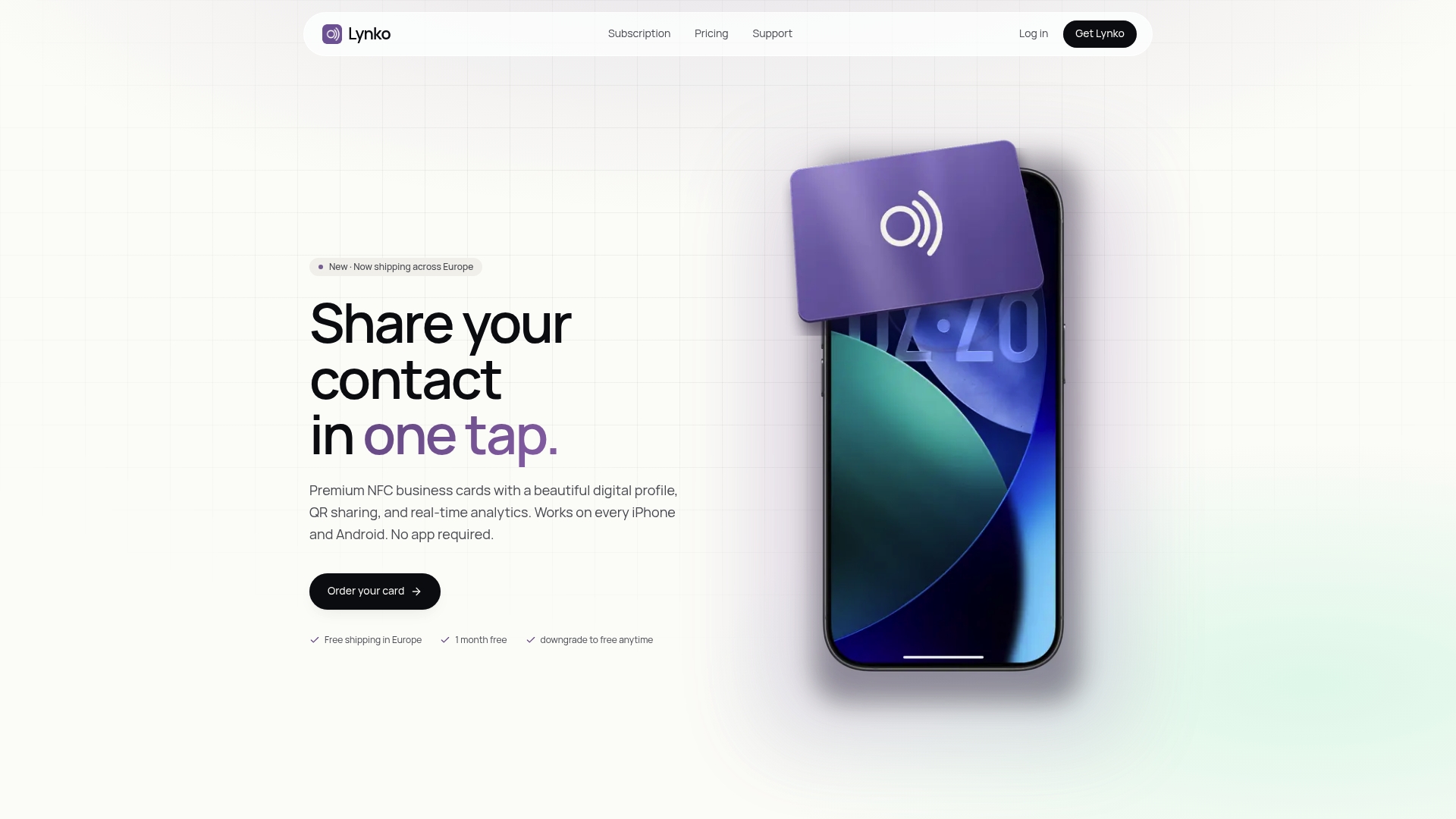
Where design-only tools like Canva stop at a static image, Lynko gives you real-time analytics, contact capture, Google Reviews, booking links, and GDPR-compliant data controls — all from a single web dashboard. The free profile tier lets you test the platform before committing; paid plans unlock the full module set, deeper analytics, and CRM export. Hardware ships to UK addresses, and setup takes minutes rather than hours for a standard individual profile.
For UK professionals who attend events, meet clients in person, or want a single link that does the work of a website, a booking page, and a contact form at once, Lynko is the practical next step. Order your NFC card or explore the digital profile features to see what fits your setup.
Further reading and useful sources
| Resource | What you will find there |
|---|---|
| ICO — UK GDPR guidance | The UK Information Commissioner's Office guidance on data processing, consent, and controller obligations under UK GDPR. |
| Lynko: digital business card UK | Full feature breakdown of Lynko's digital profile, including free vs paid plan details and setup instructions. |
| Lynko: NFC business cards UK | Hardware specifications, ordering details, and NFC tap-to-share technical overview for UK buyers. |
| Lynko: brand differentiation with digital card design | Practical guide to using themes and modules to align your digital card with your brand identity. |
| Lynko: benefits of contactless business cards | Overview of why NFC and contactless sharing improve professional networking outcomes. |
| Lynko: NFC card use cases for entrepreneurs | Concrete workflow examples for entrepreneurs using NFC cards at events and in client meetings. |
| Lynko: what is a client-saving digital card? | Explains contact-saving features, Google Reviews integration, and GDPR notes for UK users. |
| Lynko: digital contact sharing explained | Overview of NFC, QR, vCard, and link-sharing methods with compatibility notes. |
| G2 — digital business card category | Aggregated user reviews and ease-of-use ratings across digital business card platforms. |
| Lynko: why clients scan digital cards | Behavioural analysis of what motivates recipients to save contact details from a digital card. |