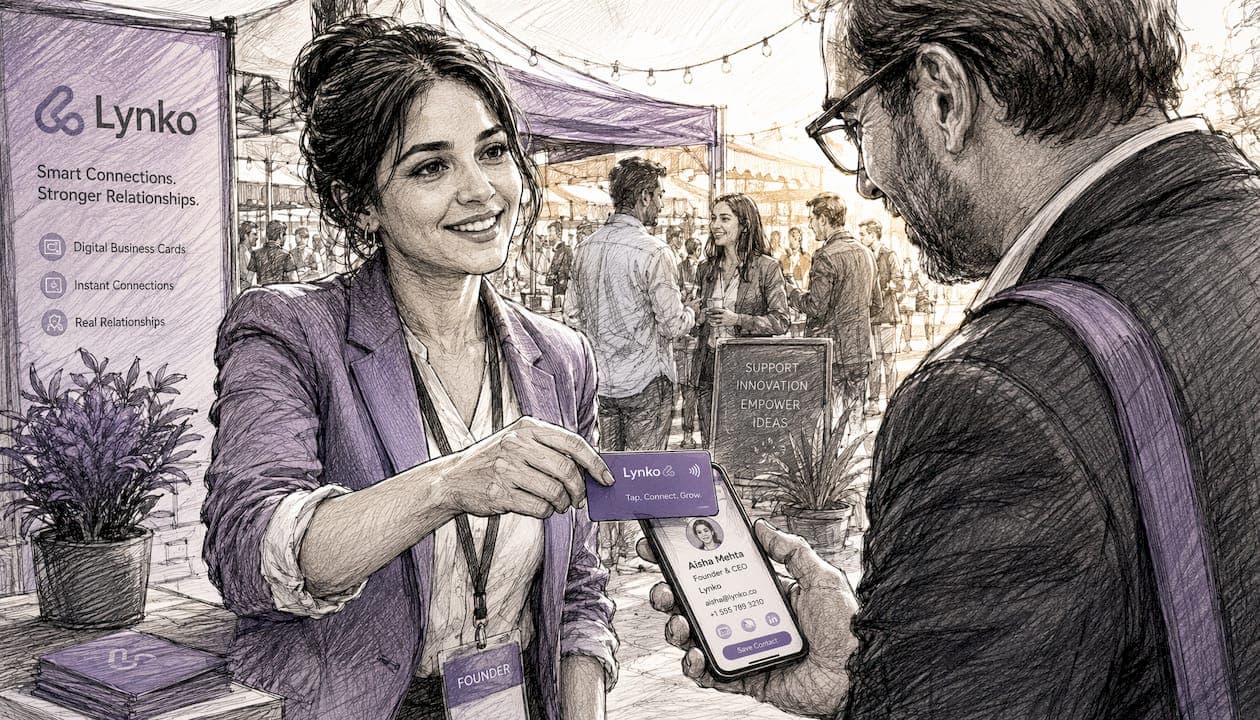
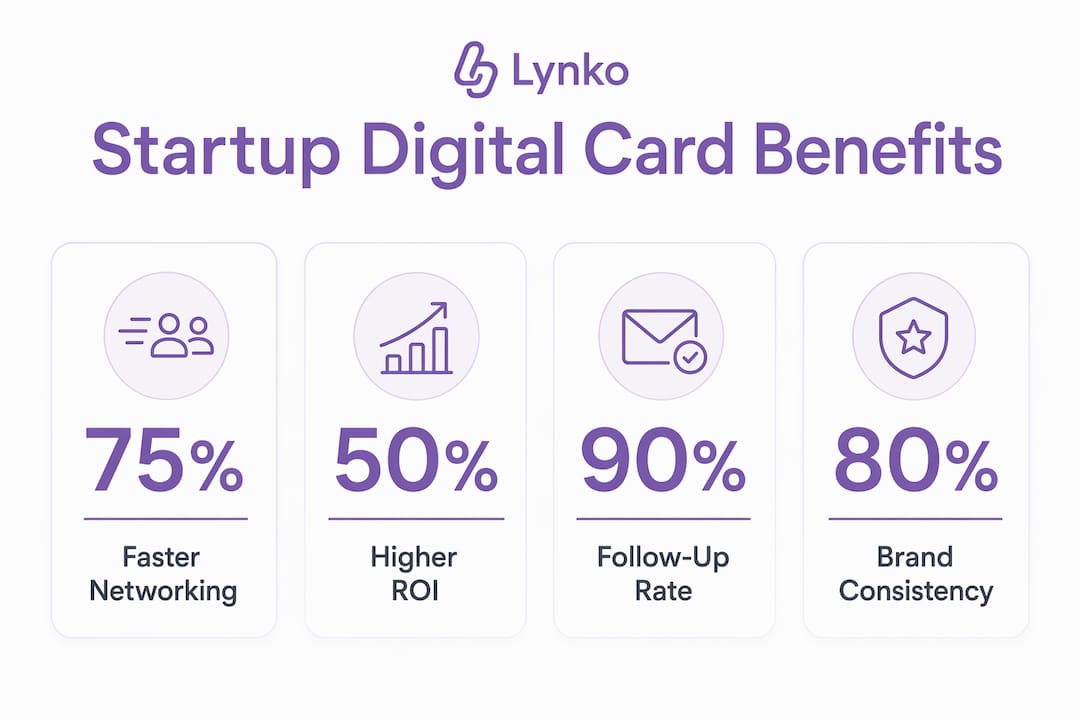
Startups use digital business cards because they make networking faster, measurable, and brand-consistent from day one. Unlike a printed card that becomes outdated the moment your job title changes or your website moves, a digital card is a live profile: update it once and every contact who taps or scans it sees the current version instantly. For a founding team juggling product, sales, and fundraising simultaneously, that matters.
The core reasons founders are adopting them:
- Speed: share a profile in seconds via NFC tap, QR scan, or a link in a message
- Updateability: change your details once; the card updates everywhere, no reprint needed
- Analytics: track who scanned, when, and what they clicked
- Brand control: consistent design, logo, and messaging across every team member
- Cost: no repeat print runs as the team grows or details change
If you are deciding whether to trial digital cards, start with one event and measure how many contacts follow up within 48 hours compared with your last printed-card event.
Table of Contents
- What is a digital business card, and what formats should you know?
- Why startups specifically benefit from digital cards
- Key features to look for in a digital card service
- How to make a digital business card for your startup in six steps
- Digital versus physical business cards: when each still makes sense
- Concrete use cases where digital cards deliver for startups
- How Lynko's UK-ready NFC cards meet startup needs
- Key takeaways
- The case for piloting before you commit
- Lynko: UK-ready NFC cards for startup teams
- Further reading and sources
What is a digital business card, and what formats should you know?
A digital business card is a live digital profile, typically a web page or wallet pass, that you share instead of handing over a piece of card. The recipient gets your contact details, links, and media without typing anything manually. The profile lives online, so you can edit it at any time without touching the card itself.
Four formats cover most startup workflows:
NFC cards are physical cards embedded with a Near Field Communication chip. Tap the card against any modern smartphone and the profile opens in the browser, no app required. This is the closest equivalent to handing over a traditional card, but the recipient gets a clickable, shareable page. Contactless card technology has become reliable enough that most Android and iOS devices handle NFC reads natively.
QR codes are scannable squares that open a URL. They work on any camera-equipped phone and are easy to print on pull-up banners, slide decks, or packaging. The underlying profile is the same live page; the QR code is just another route in.
Share links are short URLs you paste into an email signature, LinkedIn message, or WhatsApp. No physical card needed. Useful for remote outreach or following up after a call.
Wallet passes sit inside Apple Wallet or Google Wallet. They are handy for contacts who prefer saving details locally rather than bookmarking a URL.
Pro Tip: At investor meetings, lead with the NFC tap: it feels polished and removes friction. At a trade show booth where you are meeting dozens of people, a QR code on your stand works better because visitors can scan without you being present.
Why startups specifically benefit from digital cards
The benefits of digital cards map directly to the problems early-stage founders face: limited time, limited budget, and a constant need to make a credible impression quickly.
- Networking efficiency: manual data entry after an event is where contacts go cold. A digital profile lets a new connection save your details in one tap, and lead forms built into the profile mean the exchange can be two-way: they share their details back to you without either of you typing anything.
- Richer content: a printed card holds a name and a phone number. A digital profile holds your pitch deck link, a product demo video, your LinkedIn, your Calendly, and your latest press coverage. Founders who share richer content from a single profile consistently report stronger recall from contacts they met briefly.
- Analytics and event ROI: tracking scans and link clicks converts a card exchange into a measurable touchpoint, which is genuinely useful when you are trying to calculate whether a trade show was worth the stand fee.
- Consistent brand: every team member's card pulls from the same template. No one is handing out a card with last year's logo or a personal Gmail address.
- Cost and sustainability: updating details without reprinting removes a recurring cost that compounds as headcount grows.
Consider a founder who attends an accelerator demo day, collects many scans, and has their CRM automatically populated with names, emails, and the links each contact clicked. By the following morning they have a prioritised follow-up list. That workflow is not possible with a printed card.
Key features to look for in a digital card service
Not every digital card platform is built for startup workflows. Before committing, check these capabilities.
Must-have features:
- NFC and QR support in the same card
- Editable live profile with no reprint or reissue required
- Scan analytics with per-card and per-team breakdowns
- CRM integration or CSV export for lead data
- Team admin panel with bulk card creation
- Custom branding: logo, colours, and layout control
Security and privacy: for UK-based startups, GDPR compliance is not optional. The platform should handle personal data lawfully, offer consent capture on any lead form, and give you clear controls over what data is stored and for how long. Ask vendors directly whether they are registered with the ICO and how they handle data subject access requests.
Integrations that shorten sales cycles: the operational value of digital cards often comes less from the visual design and more from integrations that eliminate manual data entry. A CRM sync that pushes a new contact straight into HubSpot or Salesforce, a calendar booking link that lets a prospect schedule a call from your profile, or a payment link for a quick demo deposit: each removes a step between meeting someone and converting them.
Choosing a digital card platform without checking its CRM integration is like buying a phone without checking whether it works on your network. The card is the front end; the integration is where the value actually lands.
Pricing: most platforms charge either a monthly subscription per user or a one-off fee per physical NFC card. For a founding team of three to five people, a per-user subscription typically costs less than a single print run of premium business cards, and it scales without reprinting as the team grows.
How to make a digital business card for your startup in six steps
Getting a card live takes under an hour if you have your brand assets ready.
- Choose your format. Decide whether you need a physical NFC card, a QR-only setup, or both. Most UK-based startups benefit from an NFC card that also generates a QR code and a share link from the same profile.
- Write your profile content. Name, title, company, phone, email, and website are the baseline. Add a one-line company description (under 20 words) that a stranger can read and immediately understand what you do.
- Add links and media. Include your LinkedIn, a demo or pitch video, a calendar booking link, and any social profiles relevant to your sector. Keep it to six to eight links: more than that and recipients stop clicking.
- Apply your brand template. Upload your logo, set your brand colours, and choose a layout that matches your website. Digital card design best practices suggest keeping the profile visually consistent with your other touchpoints so contacts recognise the brand immediately.
- Configure analytics and CRM. Connect the profile to your CRM or set up a CSV export. Enable scan notifications if the platform offers them: knowing within minutes that someone tapped your card is a useful prompt to follow up while the conversation is fresh.
- Test on multiple devices. Tap the NFC card on an Android phone and an iPhone. Scan the QR code with both camera apps and a dedicated scanner. Click every link. Check that the profile loads in under three seconds on a mobile connection.
Pro Tip: Add a specific CTA to your profile rather than a generic "get in touch." Something like "Book a 15-minute call" with a direct Calendly link converts far better than a contact form. Prospects who are warm enough to scan your card are often ready to book immediately.
For testing NFC behaviour on different devices, this practical guide to NFC networking covers tap distances, iOS compatibility, and common troubleshooting steps.
Digital versus physical business cards: when each still makes sense
Neither format wins outright. The right answer depends on the context.
| Dimension | Digital card | Printed card |
|---|---|---|
| Sharing speed | Instant tap or scan | Hand-to-hand |
| Updating details | Edit once, live everywhere | Reprint required |
| Lead capture | Built-in forms, CRM sync | Manual entry |
| Analytics | Scan counts, link clicks | None |
| Cost over time | Subscription or one-off NFC fee | Recurring print costs |
| Tactile impression | None | Tangible, memorable |
| Works without internet | QR/NFC opens cached page; link needs data | Always works |
Printed cards still earn their place in specific situations. A premium handoff at a private equity meeting, a curated dinner where pulling out a phone feels out of place, or a context where the card itself is part of the brand experience (a beautifully printed card on thick stock can signal quality in a way a phone screen cannot). The hybrid approach of a printed card with a QR code linking to a live profile is often the most practical transition strategy for teams that still value that tactile impression.
Hand-off scripts worth having ready:
- NFC tap: "Tap your phone on the card and my full profile comes up, including a link to book a call."
- Printed card with QR: "The QR on the back takes you straight to my live profile with everything up to date."
- Share link: "I'll drop you a link in the chat now, it's my full profile with the demo video."
Pro Tip: If you are printing cards at all, put the QR code on the front, not the back. Recipients who keep the card in a stack will see the QR first when they pick it up later, and it gives the printed card a second life as a digital entry point.
Concrete use cases where digital cards deliver for startups
Trade shows and events
Track scans per session to measure which conversations converted to genuine interest. Push qualified leads directly to your CRM during the event so your follow-up list is ready before you leave the venue. Compare scan counts across team members to see who is generating the most engagement.
Investor and mentor meetings
Keep your pitch deck link, demo video, and LinkedIn current in the profile. When your deck updates the night before a meeting, the link on your card already points to the new version. Investors who tap your card after the meeting get the most recent materials without you sending a follow-up email.

Sales outreach and field visits
NFC card use cases for entrepreneurs show that removing manual data entry from the post-meeting workflow meaningfully shortens the time between first contact and first proposal. A prospect who saves your details in one tap is more likely to reach out than one who photographs a card and never gets round to typing it in.
Team rollouts
Central templates mean every team member's card reflects the current brand, not the version from six months ago. Bulk card creation through an admin panel removes the need to set up each card individually. Scan analytics at team level let you see which events or territories are generating the most activity.
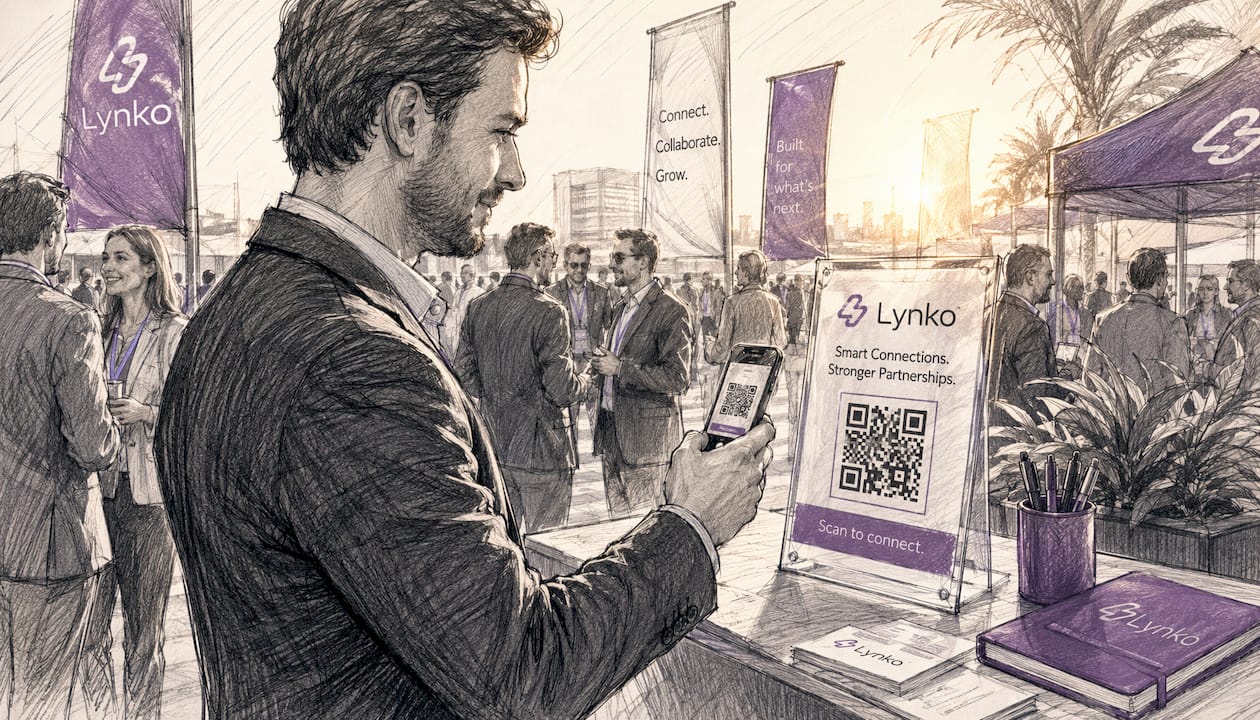
One visual idea for booths: print a large-format QR code on a tent card or acrylic stand at your booth. Visitors who stop to look at your product can scan it without waiting for a team member to be free. The scan registers in your analytics, and if you have a lead form on the profile, you capture their details even from a brief, unattended interaction.
How Lynko's UK-ready NFC cards meet startup needs
Lynko is built specifically for the tap-to-share workflow UK founders need. The NFC cards open a digital profile on any smartphone without requiring the recipient to download an app: tap the card, the profile appears in the browser. That removes the single biggest friction point in NFC adoption.
What the platform covers:
- Tap-to-share NFC cards with a matching QR code and share link
- Editable live profiles with unlimited social links, Google review links, and contact-saving
- Scan analytics and profile customisation with brand themes and modules
- CRM-friendly exports and integrations to reduce manual follow-up
- GDPR-compliant data handling, which matters for UK startups collecting contact data at events
GDPR note: Lynko's GDPR positioning means the platform is designed with UK data-protection requirements in mind. During procurement, founders should confirm the specific data retention settings, consent capture options, and ICO registration status for their use case.
Team rollout: admin controls allow a founder or operations lead to create cards in bulk, apply a central brand template, and manage the whole team from one dashboard. New hires get a card that matches the company profile from day one, without anyone manually configuring each one.
The real test of a digital card platform is not how the card looks on day one. It is whether the profile is still accurate six months later, and whether the data it captured is actually in your CRM.
For a broader view of how contactless cards benefit professionals, Lynko's blog covers the practical and technical advantages in detail.
Key takeaways
Digital cards give startups a faster, more measurable, and more consistent networking tool than printed cards, with Lynko offering a UK-ready NFC solution that covers the full workflow from tap to CRM.
| Point | Details |
|---|---|
| Update once, share everywhere | Edit your profile once and every existing QR code, NFC tap, and link reflects the change instantly. |
| Analytics turn cards into leads | Scan tracking and CRM sync convert a card exchange into a measurable, actionable contact. |
| GDPR compliance is non-negotiable | UK startups must confirm consent capture, data retention, and ICO registration before deploying any card platform. |
| Hybrid works for premium contexts | A printed card with a QR code linking to a live profile preserves tactile impact while keeping data current. |
| Lynko for UK teams | Lynko's NFC cards open a live profile on any smartphone without an app, with team admin, analytics, and GDPR-compliant data handling. |
The case for piloting before you commit
The founders who get the most from digital cards are not the ones who roll them out to the whole team on day one. They are the ones who test a single card at one event, check whether the scan data actually lands in their CRM, and confirm that the follow-up rate improves before ordering cards for everyone.
That pilot approach costs almost nothing. Set up one profile, attend one event, and compare your follow-up conversion against your baseline. If the data is cleaner and the follow-up is faster, scale it. If the CRM integration does not work the way you expected, you have found that out before it matters.
Lynko: UK-ready NFC cards for startup teams
Fewer lost contacts, no reprinting, and a follow-up list that builds itself during the event: that is the practical case for switching to digital cards, and it is exactly what Lynko is built to deliver. Where a printed card ends the exchange, a Lynko NFC card starts a trackable conversation.
Lynko's NFC business cards open a live, branded profile on any smartphone with a single tap, no app required. Profiles are editable in real time, analytics are built in, and the platform is designed with UK GDPR requirements in mind. For a founding team that wants to look credible at their next investor meeting or trade show without managing a print run, it is a straightforward upgrade. Visit getlynko.com to see the cards and request a demo.
Further reading and sources
- Lynko NFC business cards UK — Lynko's primary product page covering tap-to-share NFC cards, analytics, and team features.
- What is a client-saving digital card? | Lynko blog — explains how digital cards reduce manual follow-up and speed conversions through CRM integration.
- NFC card use cases for entrepreneurs | Lynko blog — practical, UK-focused scenarios for founders using NFC cards at events, meetings, and in sales.
- Benefits of digital business cards for startups | Markets Herald — covers updateability, cost savings, and analytics benefits with a startup focus.
- Smart digital business cards for entrepreneurs | TechBullion — explains richer-media sharing and the credibility advantages of live profiles over printed cards.
- Physical vs digital business cards | QRCodeChimp — side-by-side comparison of formats, including the hybrid approach for teams transitioning from print.
- 8 benefits of digital business cards | QRStuff — covers two-way contact exchange, lead forms, and networking efficiency.
- Digital business cards for startups | Startups Pulse — broader strategic overview of why early-stage companies are adopting digital cards.